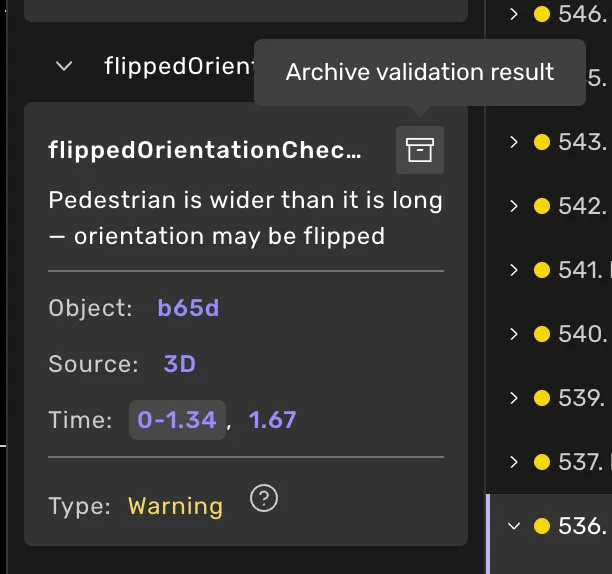
Validate task
3 min
How to validate
If live validation is not active, the validation button is at the bottom right of the task view. Press it to validate the task. If live validation is available, the task will be continuously evaluated, and no button will be shown.
- If there are no errors, the submit button will replace the validation button, and you can submit the task immediately.
- If errors exist, you must solve them and validate the task again. You will find all errors in the validation log.
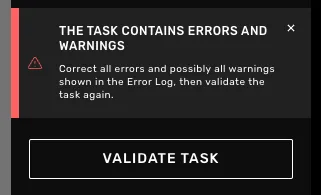
Validation message