2D lines
1 min
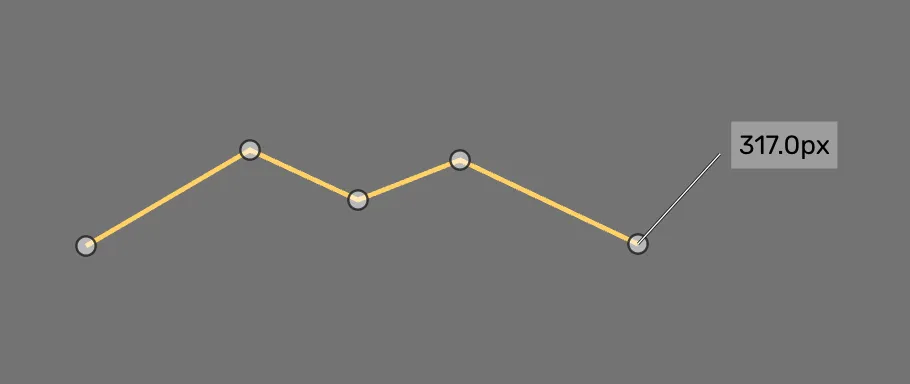
Line shape
This geometry shape is drawn using the pen tool. It allows you to place nodes or points in the image while being connected by a thin line.
Depending on your selected class, the nodes/ points create one object, separate objects, or grouped objects.
Drawing process
Select a class
Place a point at the start of the line or edge
Continue placing points along the object
Press esc when you are done drawing. The object should appear in the object list

Placing points with the pen tool