Projections
2 min
A projection is a shape created in one source and visualized in another, most often in 3D and projected into 2D.
Control which projections are active with these options (Top menu -> View -> Projections).
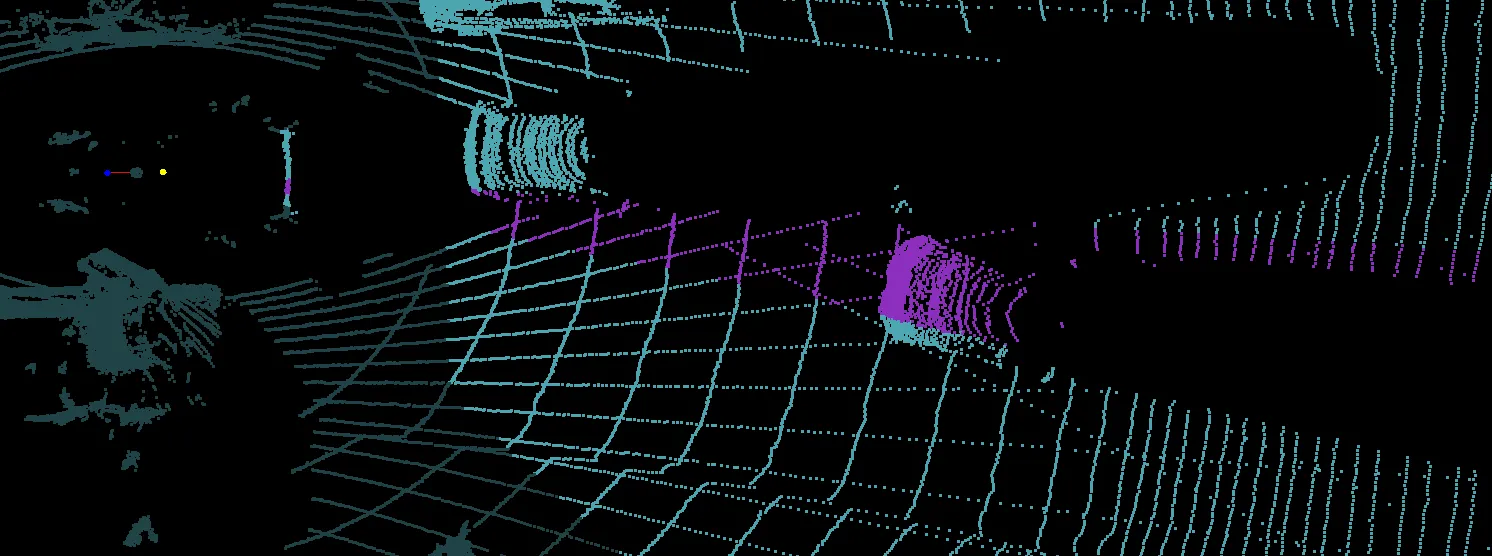
- Cone shape (3D) - Highlights the point cloud with a cone shape from a selected 2D box or by highlighting an area in the 2D miniature image with shift and drag.
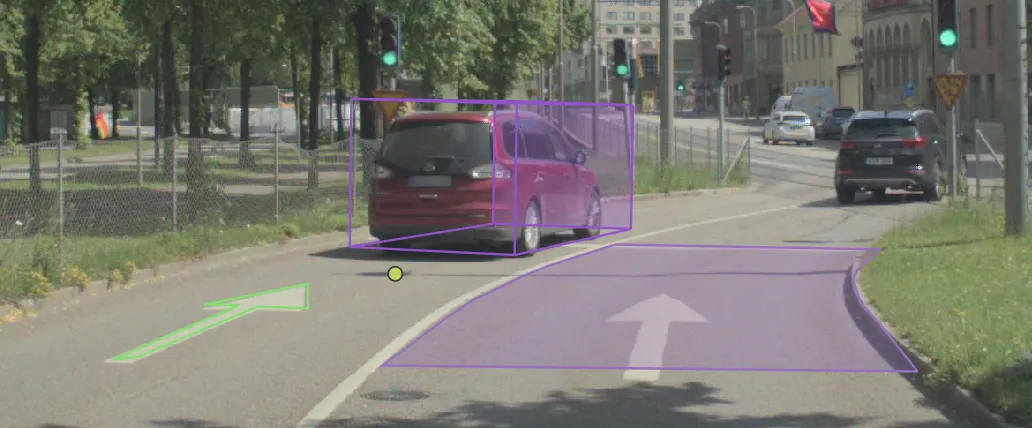
- Selected object (2D) - Shows the 3D->2D projection of the selected 3D object in the 2D miniature image, or in the 2D view.
- All objects (2D) - Shows 3D->2D projections of all 3D objects in the 2D miniature image, or in the 2D view.
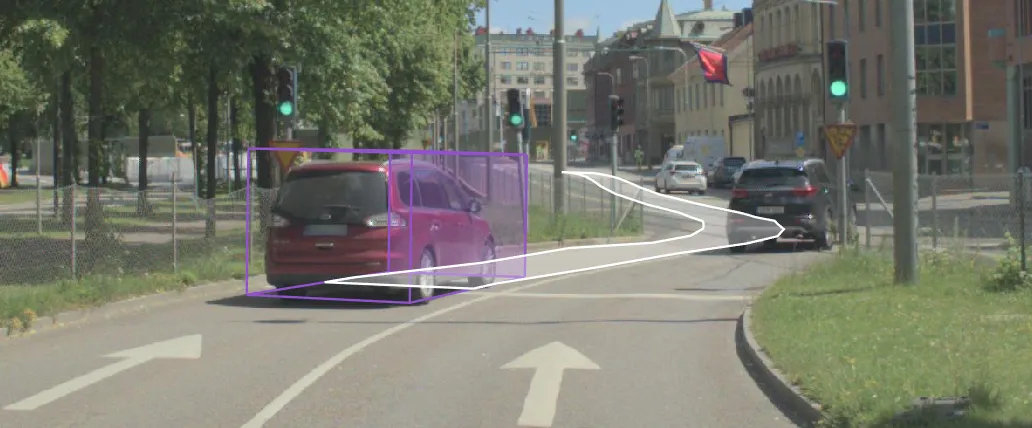
- Selected trajectory - Shows a 3D->2D projection of the trajectory of the selected 3D box in a 2D miniature image, or in the 2D view.
- Search light - Highlights the point cloud at the current cursor position in the 2D miniature image. Cone shape (3D) must also be active for the search light to be visible.