Troubleshooting
Sometimes, errors occur that either block or disturb your work. Below are the steps we recommend you take when that happens and you haven't been given any other directions within the application.
Troubleshooting guide
- Do a hard reload of Chrome
Windows: Hold down Ctrl and press the reload button or, hold down Ctrl and press F5
Mac: Hold down Shift and press the reload button, or hold down Cmd+Shift+R
- Clear cache
At the top right corner of Chrome, click More (three dots).
Click More tools and then Clear browsing data.
At the top, choose a time range. To delete everything, select All time.
Next to Cookies and other site data and Cached images and files, check the boxes.
Click Clear data.
You can also access the dialog directly via chrome://settings/clearBrowserData
You can also clear the application's own caches without touching your browser data, via the top menu bar: Help → Clear resource cache or Clear scene cache. Try this first if a scene fails to load properly.
- Restart your browser
Close and restart the browser.
- Make sure you have the latest Chrome version
You can find out by going to chrome://settings/help and seeing if an update is available.
- Make sure you have followed the platform's system requirements
You can see what they are in under System requirements.
- Report the error using our support form
If the error remains, report it via our support form.
Error dialogs
Some errors show a specific dialog instead. Here is what they mean and what to do.
WebGL is not supported or out of date
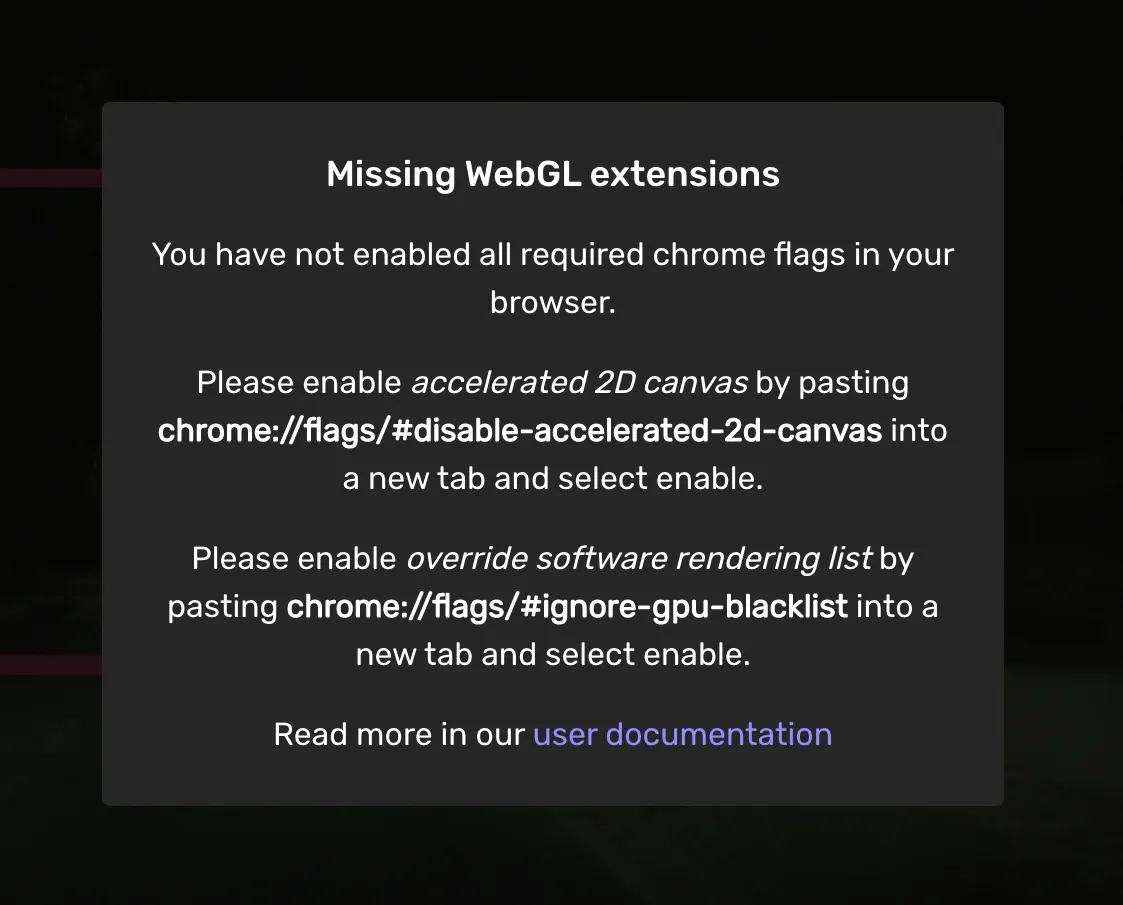
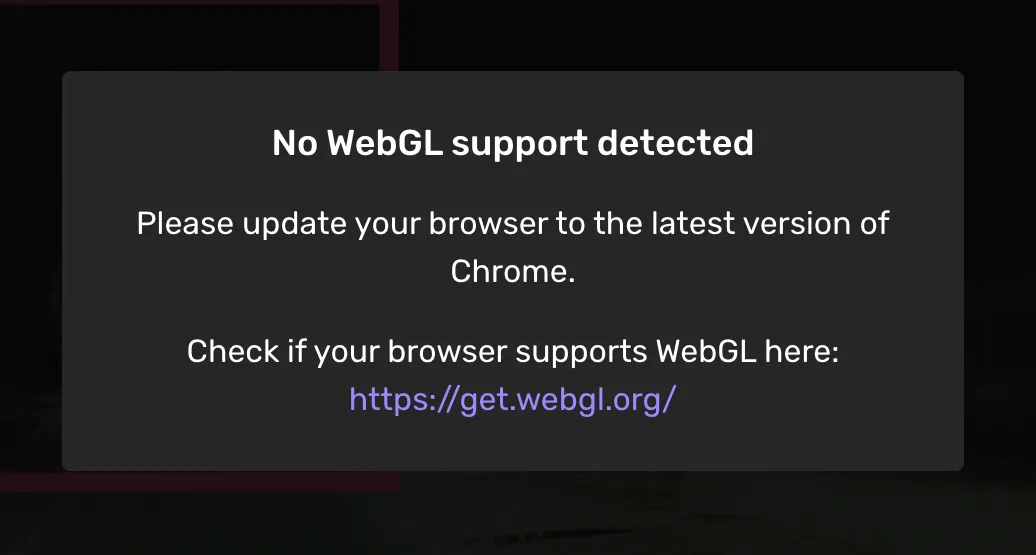
If one of the following dialogs pops up when you open a task — WebGL extensions or No WebGL support detected — your browser does not meet the 3D view's WebGL requirements, usually because Chrome is out of date or hardware acceleration is disabled. Configure or update Chrome as described in System requirements, then reopen the task.
Point Cloud Download Error
A dialog titled Point Cloud Download Error appears while the 3D view is loading: "The point cloud data could not be downloaded due to an error. You must reload the page to try again." This usually means a temporary network interruption stopped the point cloud from downloading.
Click Reload to reload the page and fetch the point cloud again. If the dialog keeps appearing, work through the recovery steps above and report the error using the support form.