CREATE AND EDIT TABS
Edit tab
2 min
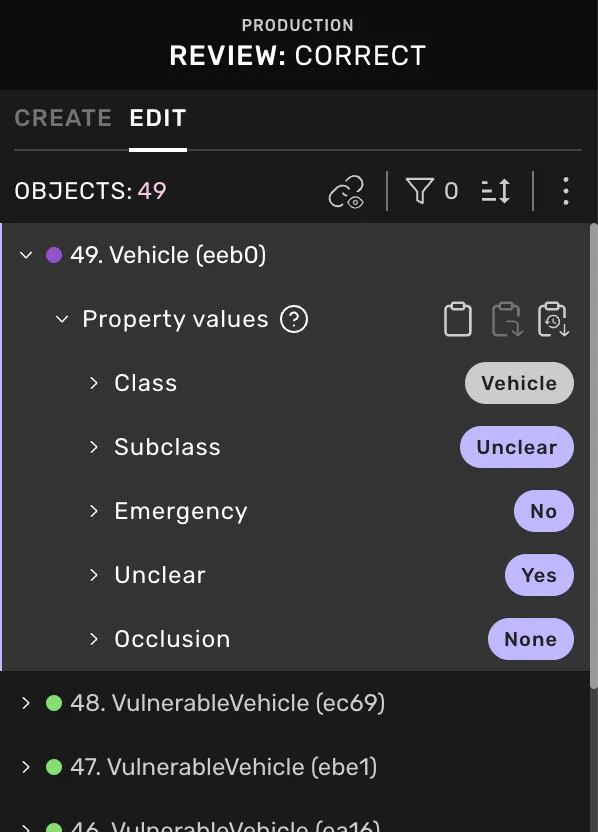
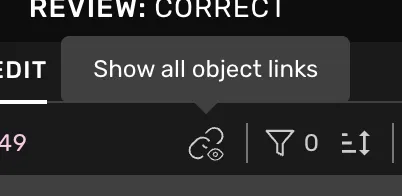
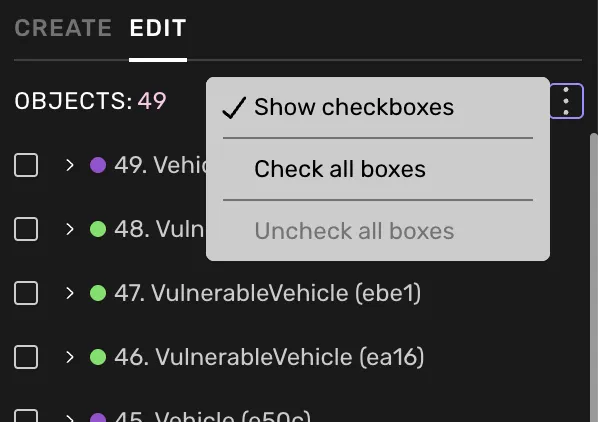
depending on the task, the right side menu has one or two tabs docid\ i0zncpadqc20kuiw8zxzp and docid\ zicm7avhq1eaf hkrqlfp you can toggle between the two tabs by using the shortcut , the edit tab includes all objects, object groups, and properties in a task object links when you turn on the object links, you will see white lines between all connected shapes in the scene it can help you determine whether links are missing or incorrect filter objects use the filter to define which objects you want to see in the list class show all classes or select the ones you want to see inspect shows objects that have received feedback object information shows objects with errors or warnings, such as missing property values cuboid size consistent sizes across frames shows objects where unify size made the final box size edit, or where no edits were made after creation inconsistent sizes across frames shows objects where the size differs between frames object visibility shows objects marked as visible in the current frame sort objects choose between the first or latest created object more menu (beta) only available on next release to production estimated between week 6 and 8 toggle checkboxes next to object names and select all or none