Slice tool
The slice tool allows you to cut several 3D lines or lanes at once by drawing a single straight line across them.
When to use it When multiple lines need to be split at the same place (e.g. at a stop line or intersection). Faster than cutting one line at a time.
Using it
Activate the slice tool from the toolbar button.
Press and hold the left mouse button where the cut should start.
Click and drag across every line you want to cut — a red preview line follows the cursor.
Release to confirm. Each line the stroke crosses is split at the exact on-screen crossing.
Press Esc to leave the tool without cutting.

The slice tool in 2D is currently only available for 2D polygons.
The tool is used to slice an existing polygon into two separate objects. The properties will be copied onto the new object.
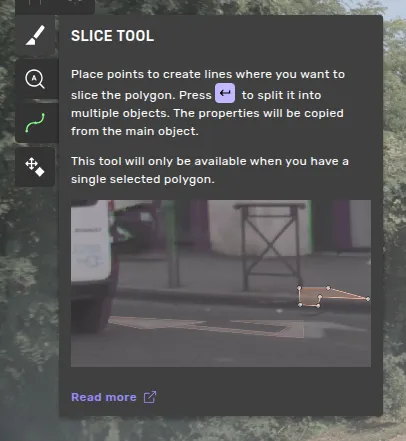
Editing process
Select an object (must be a single polygon without holes).
Activate the slice tool from the toolbar button.
Click to place points along the line where you want to cut the polygon.
Apply the cut with Enter, or cancel the operation with Esc.