2D eye
1 min
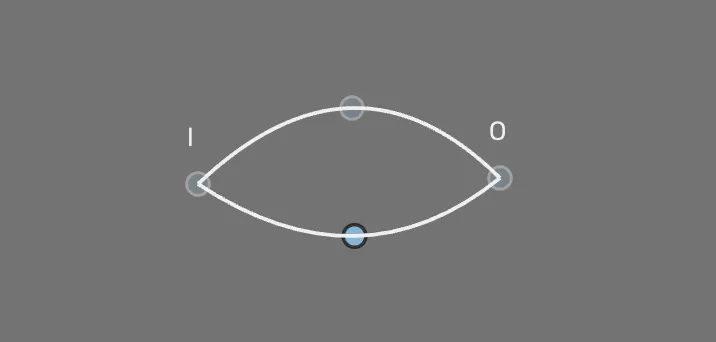
Eye annotation
This geometry shape is drawn using the pen tool. It allows you to place nodes or points in the image while being connected by a thin line.
Drawing process
Select a class
Each class name will provide you information on where to place the point, e.g. outer or inner corner. Place the points based on what the class is named
After all points have been placed the connecting line should appear

Placing points with the pen tool