Relative keyframe in 3D
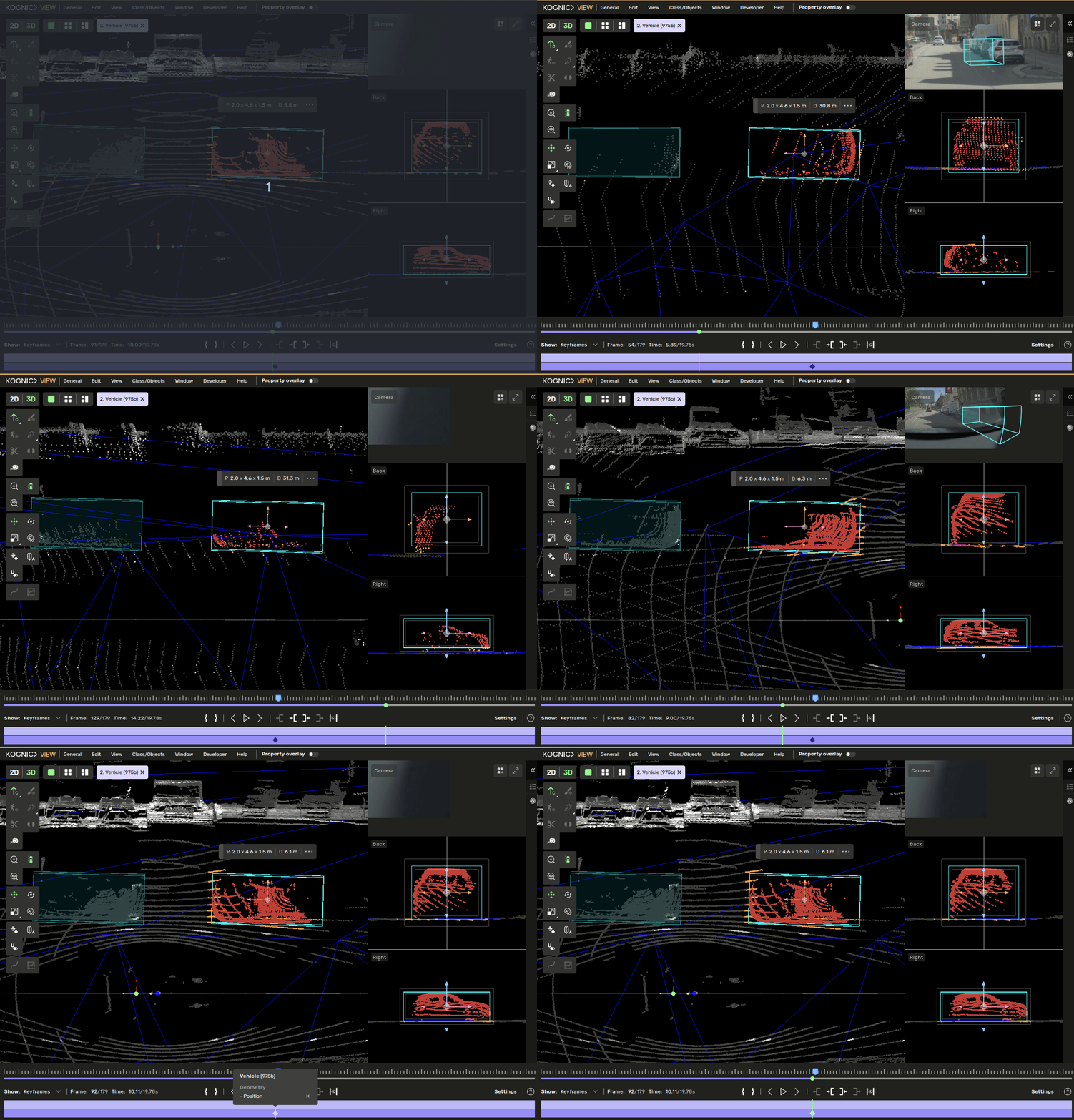
Sometimes when annotating 3D boxes, you need to annotate a box that has a fixed location with respect to another 3D box, such as a rider on a bike or a car on a trailer. To make this easier, you can use the 'relative keyframe' feature.
Drawing process
Find the 'best frame' for the two objects
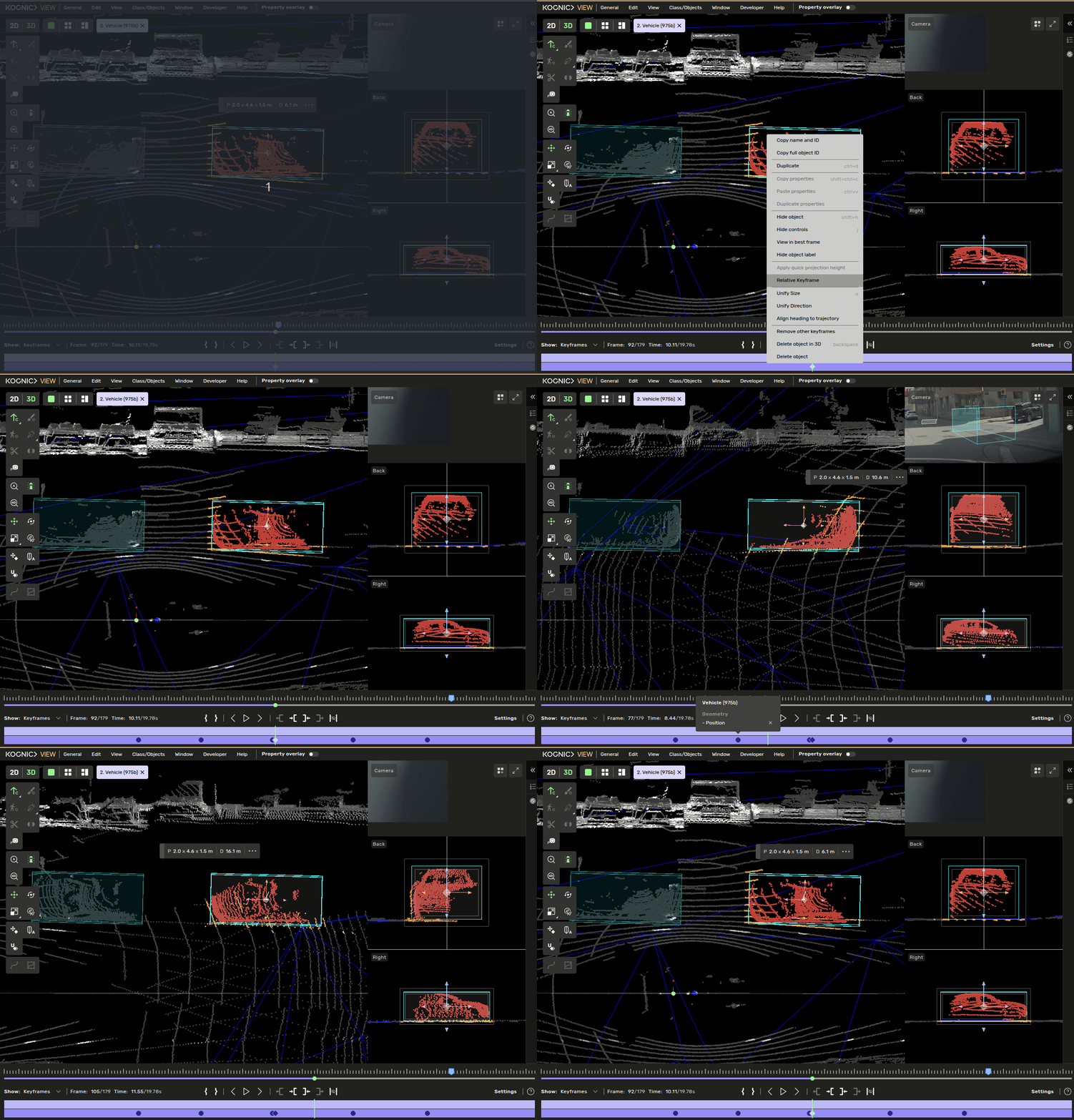
Right-click on the current object
Select the Relative keyframe in the context menu
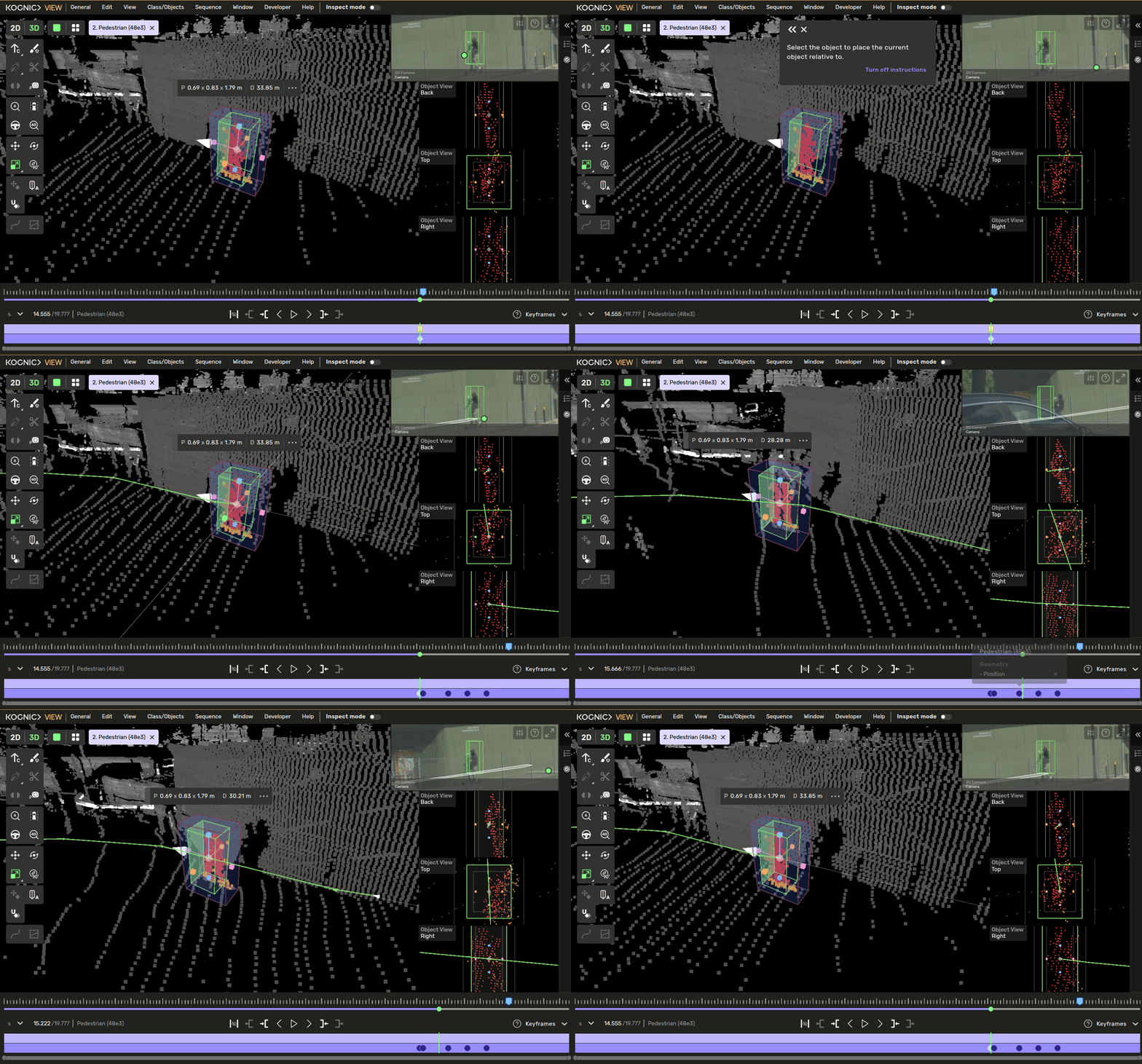
Select the other object that you wish to place the current object relative to.
The current object will be placed as it is to the selected object in the current frame in all keyframes.
Additional usecases
Relative keyframe is one of the most important features for annotating stationary objects if the client data is of poor quality making stationary objects drift and the Point cloud aggregation blurry. We need to annotate an object fully correcting for the drift, then for all nearby objects we can use relative keyframe to apply the same drift correction in all frames.