2D body-pose
1 min
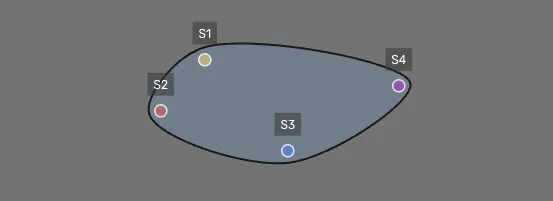
Point cluster shape
This geometry shape is drawn using the point cluster tool. It allows you to place a set amount of points, each with its properties.
The tool has a supporting instruction dialogue that includes a progress bar and what point you should place (e.g., nose).
Drawing process
- Select a class,
- Place the first point (this is required)
- Place the other points if possible
- This depends on the visibility and guideline instructions
- When deselected, the points are surrounded by a blob shape.

Placing points and deselecting the object