Auto-adjust objects
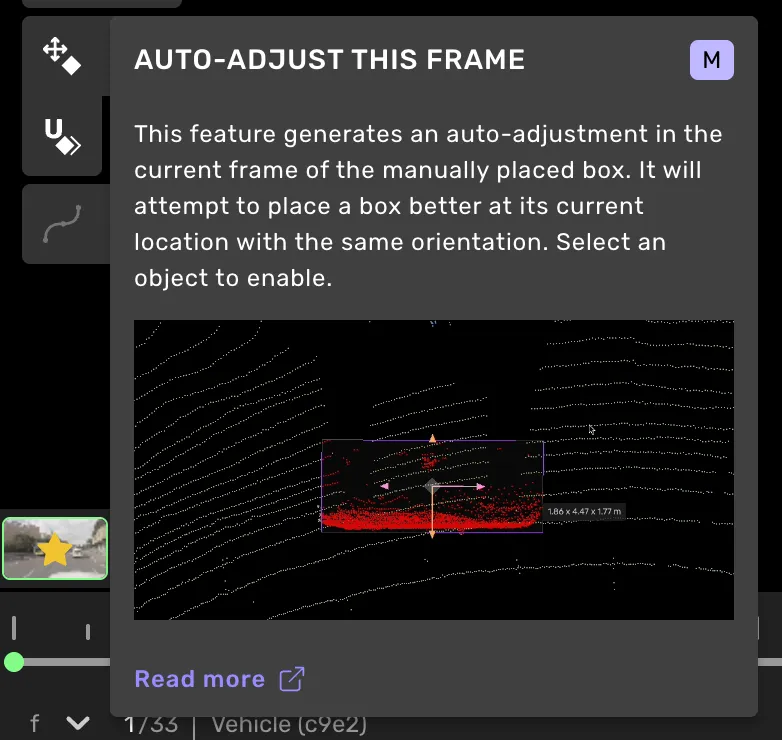
This feature generates an auto-adjustment in the current frame of the selected shape. It will attempt to place a box better at its current location. To enable this feature, you must select an object.

This tool was designed for Vehicles (cars) and will not work well for animals, bicycles, or pedestrians.
Additionally, it is only available in tasks where you can use the 2D machine-assisted tools to draw bounding boxes or polygons.
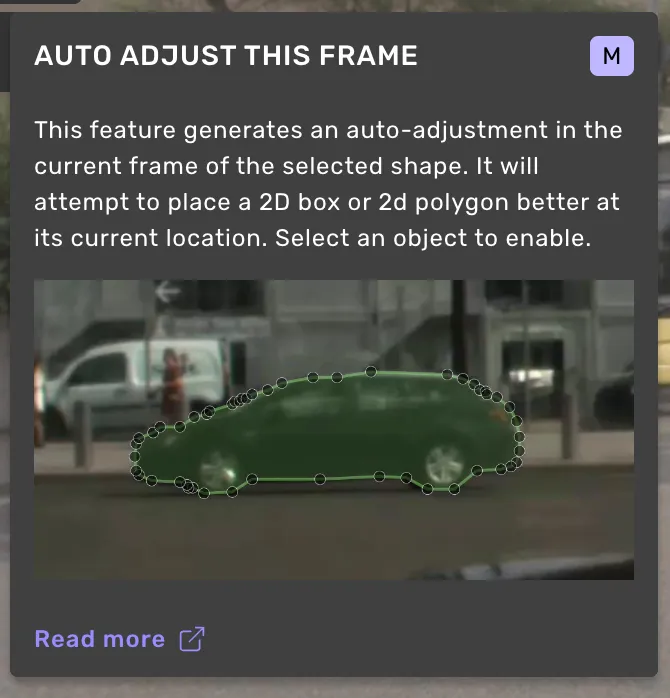
This tool will attempt to place a box better at its current location with the same orientation.

Enabling the tool
The auto-adjustment will only affect the current frame in which the object is visible.
It was designed for Vehicles (cars) and will not work well for animals, bicycles, or pedestrians.
Auto-adjust to ground
If the feature Auto-adjust to ground is enabled, the auto-adjustment will not only attempt to place the box based on the points of the object, but also based on the ground beneath the object. Auto-adjust to ground is enabled in the top menu, under Class/Object. If enabled, the leaning and position of the box will be adjusted to align with the road.
In some situations, the automation will not be able to understand the slope and level of the ground. When this happens, the box's leaning and position will not be adjusted.