Temporary region of interest
The temporary region of interest tool let's you draw a region that you want to focus on. All points outside of the marked region will be hidden. If you activate the tool again you can further refine the marked region.
In order to clear the marked region press x on the indicator in the top left corner.
You are able to bind a keyboard shortcut to the activation of tool. It does not have a shortcut assigned by default.
You are able to draw the region either by a freehand lasso, or by drawing the region by placing nodes forming the polygon. Depending on the precision requirements of the region you have the flexibility too choose.
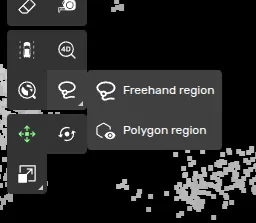
This is a tool is only available to you in 3D point classification tasks.
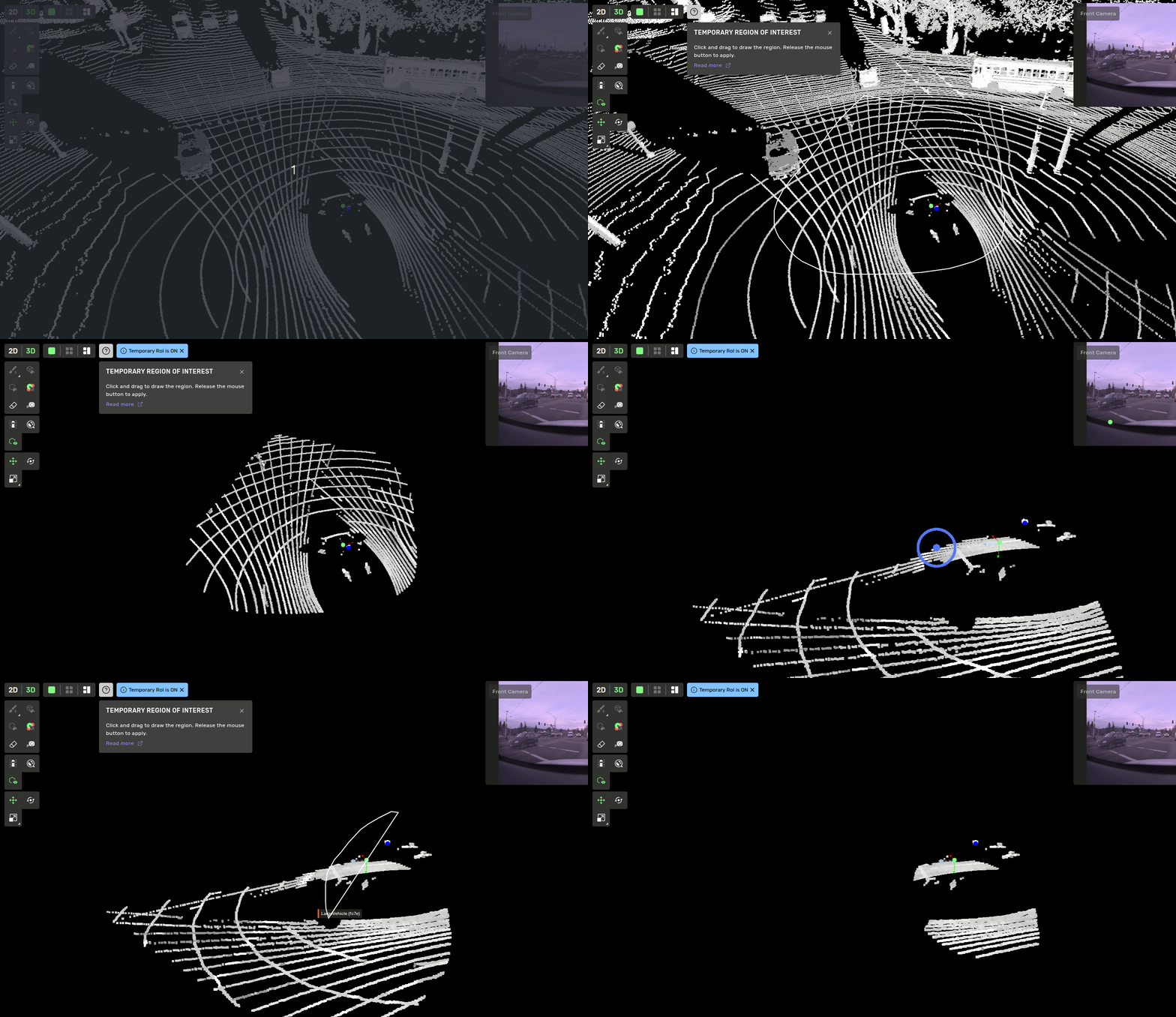
This tool should be used to isolate objects that are not clearly separatable from other objects. It should not replace fine detail work using the regular 3d point classification drawtools.