Create connected 2D shapes
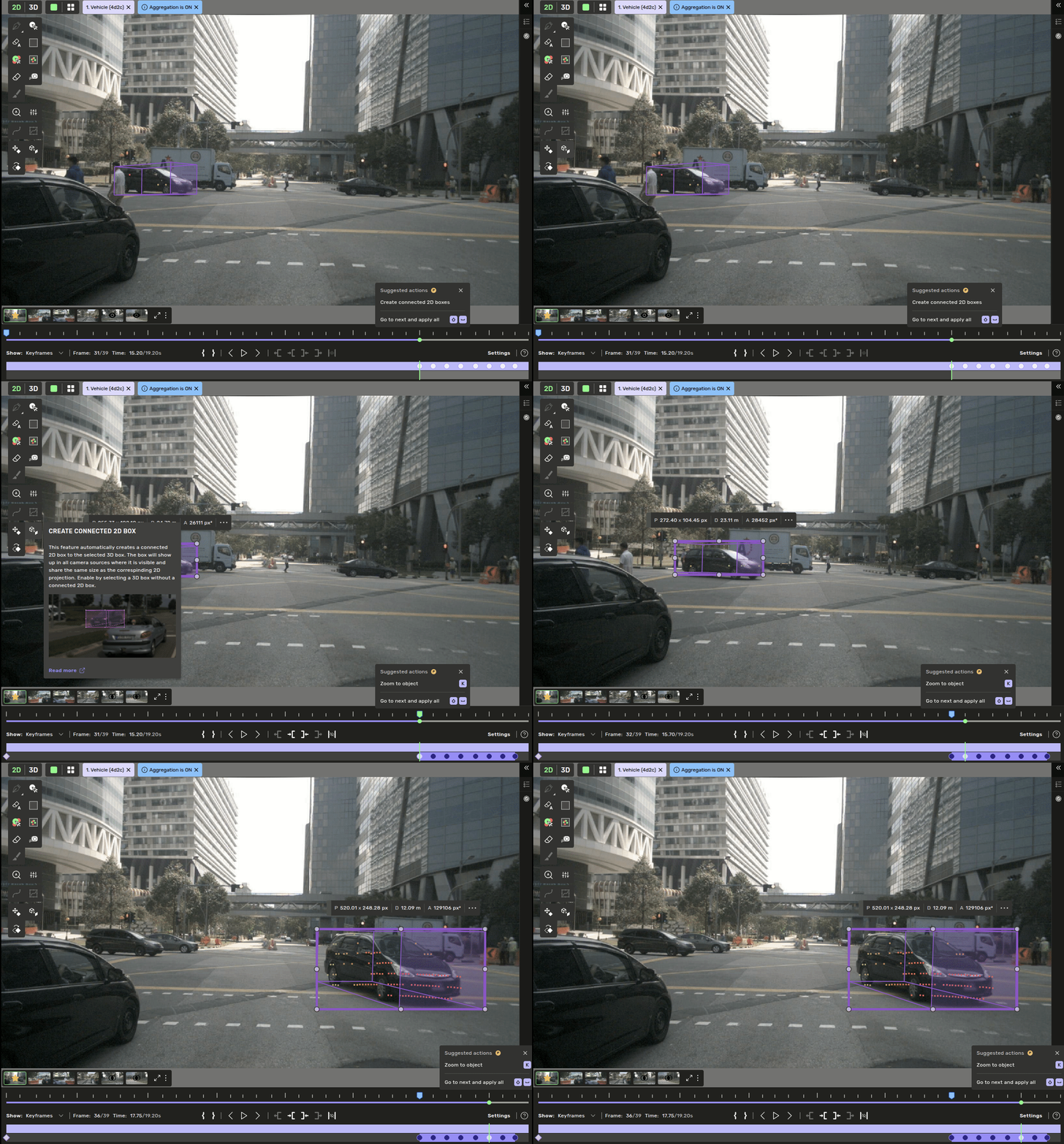
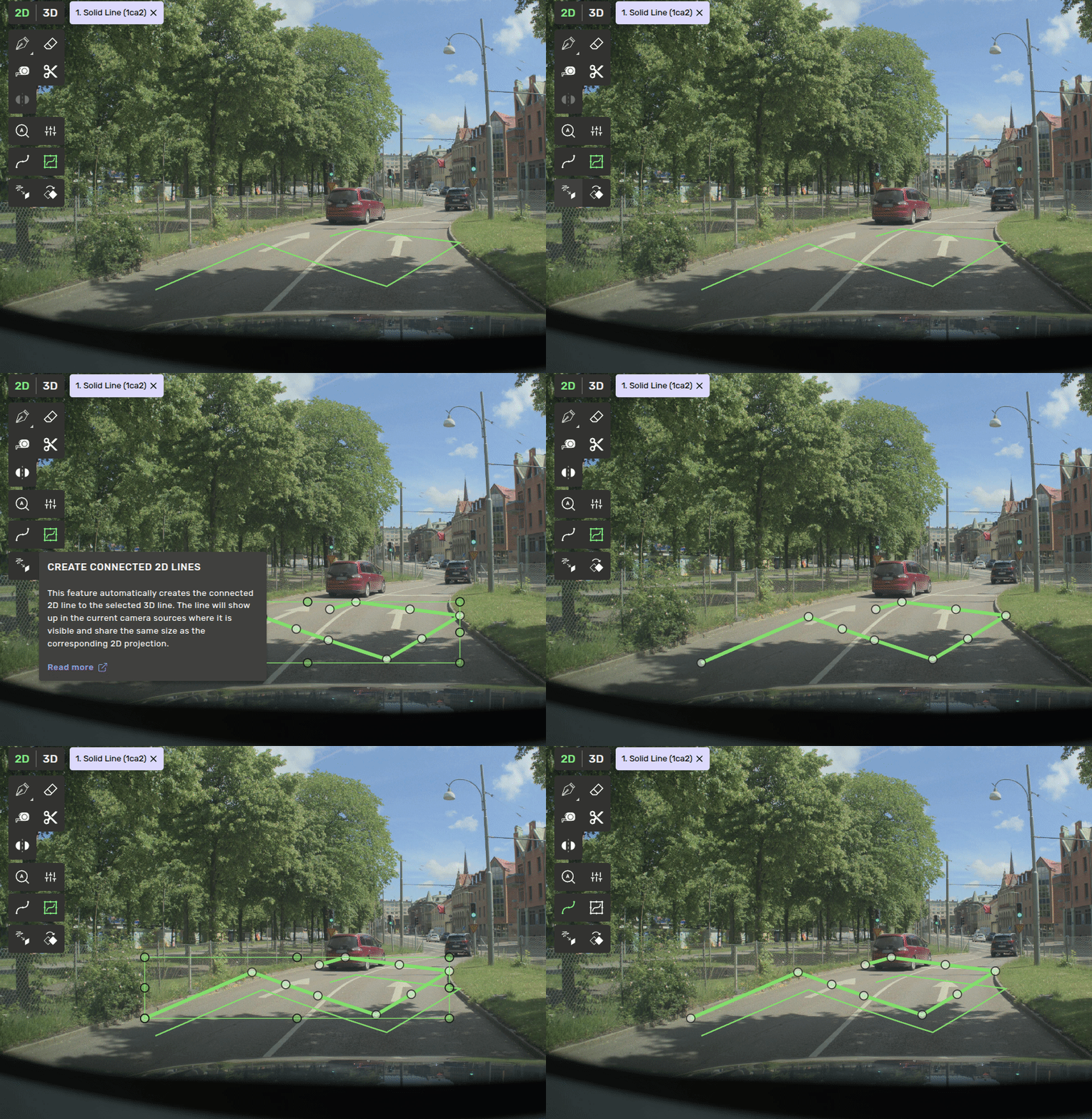
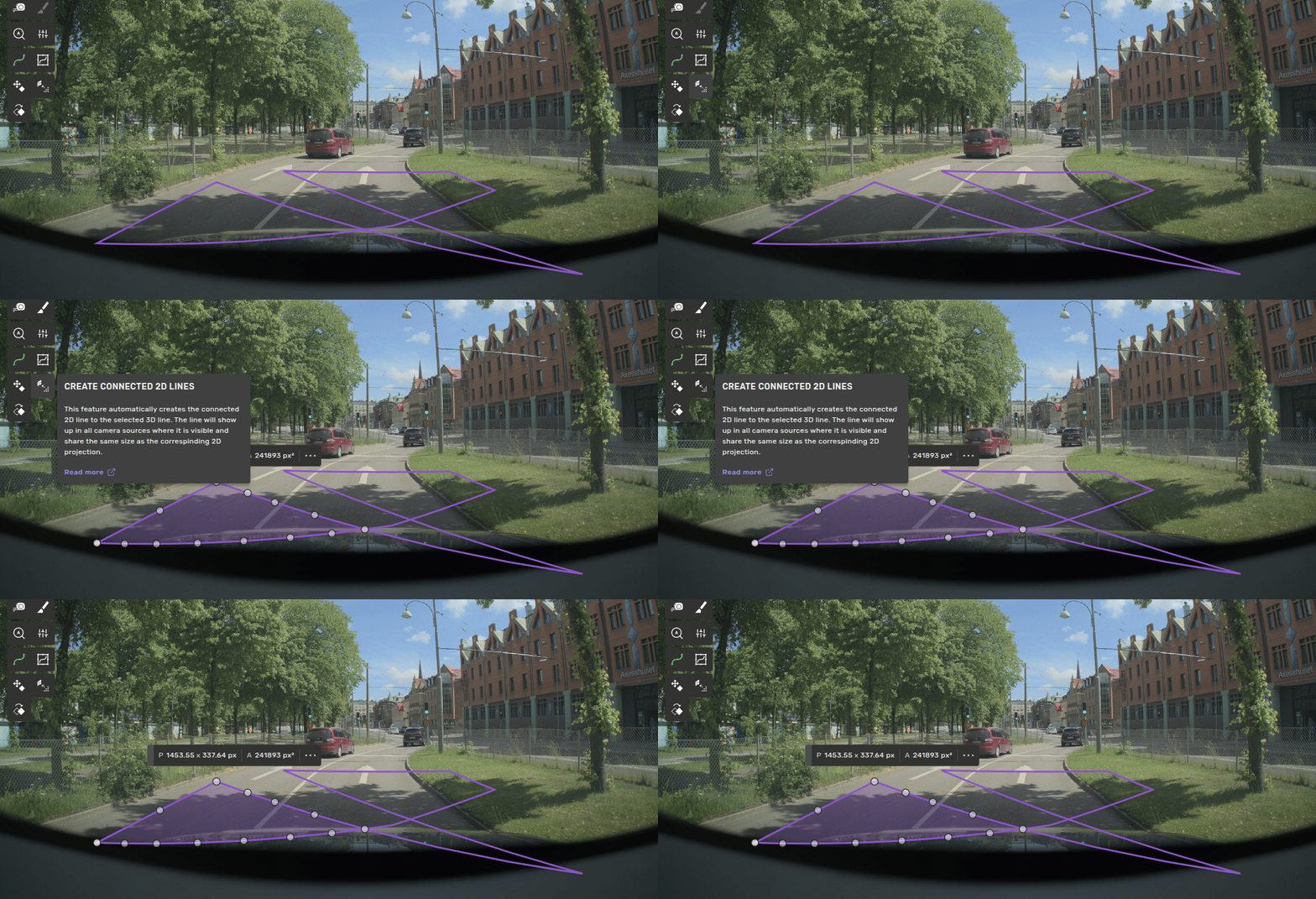
2 min
in tasks where 3d shapes are connected to 2d shapes, you can create the 2d shapes from the 3d shape's projection instead of drawing them by hand select the 3d object, switch to the 2d view, and press the create connected button in the toolbar — the configured 2d geometry is created in all frames for the current camera source from a 3d box connected 2d bounding box use this when you have a 3d box and want to draw a connected 2d bounding boxes docid\ tfjsznromwyazm4 smr5c the 2d box will show up in all camera sources and frames where the corresponding 3d box is projected into the image take on the size of the 2d projection (in all frames) from a 3d line connected 2d line or polygon available for tasks that contain shape connections between 3d lines and 2d lines or 2d polygons if the 3d line is closed and the connected shape is a polygon or multi polygon, the feature produces the configured 2d geometry instead of a 2d line create a 3d line in the full sequence in 3d change to the 2d view and press the button in the toolbar an identical shape to the projection has been created in all frames for the current camera source change to the next 2d camera source and press the button if the connected shape is a polygon and there are self intersections in the projected 3d line, only one part of the polygon will be kept the same applies if the projection enters and leaves the image at multiple locations if this occurs frequently, consider configuring the polygon as a multi polygon 3d boxes docid\ jw2jfj5i04upvcc7hv3ek3d lines docid 7inl rq6toyb7ytadauwb2d lines docid\ u ywf9yz39w d2uf w qs , 2d curve docid\ gelud2vazd hnmddjvuod2d polygon docid\ ahy5x1pfgtbuaejegopnc