Enter a task
2 min
The My Tasks page is your primary access point to the task view within the Kognic platform. On this page, you will find all the requests for which you have available tasks.
You can access the task view through other platform pages, such as Request Details and Dataset Exploration. However, please keep in mind that when you enter through these pages, you can view the task but cannot save any edits to it.
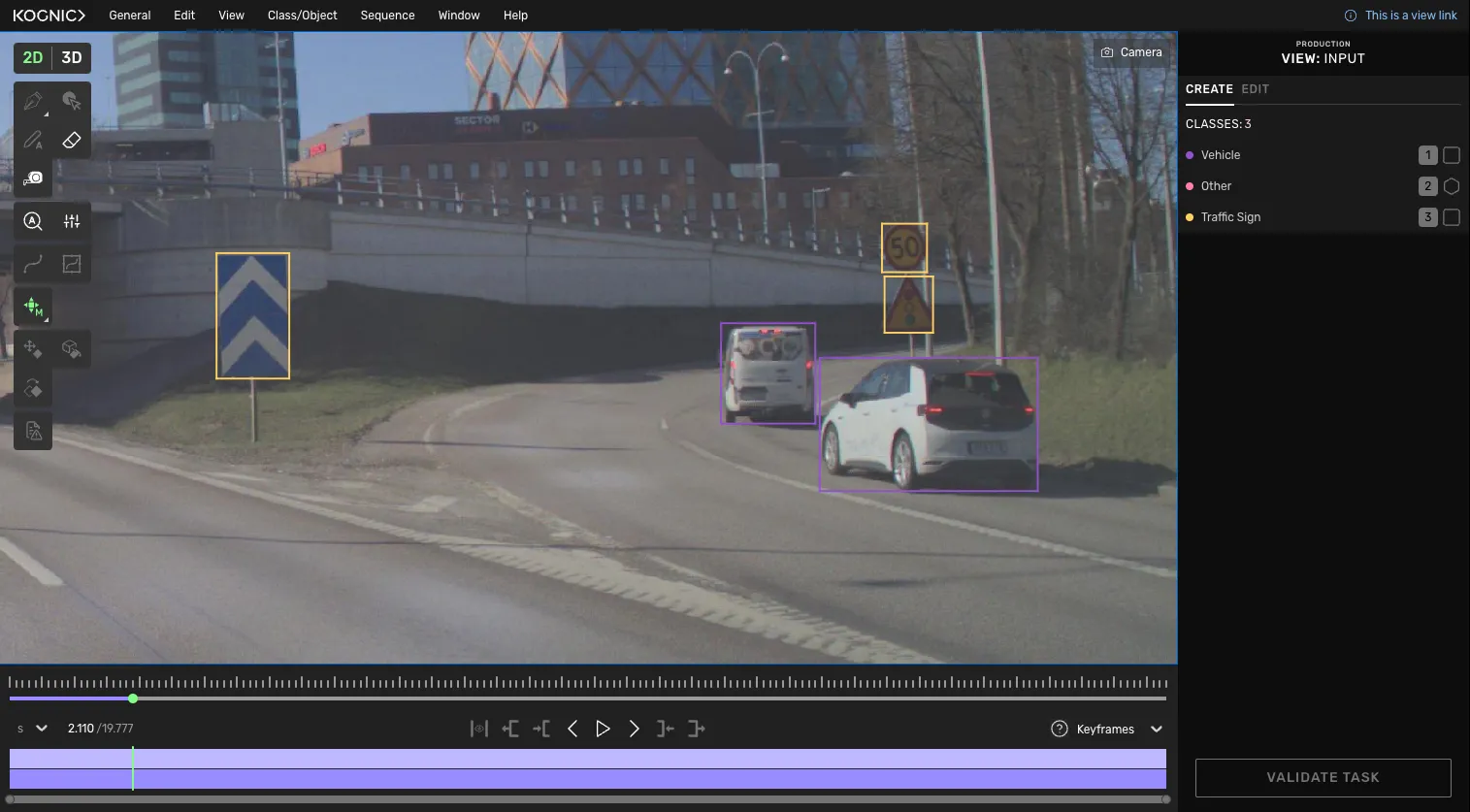
Task view example: 2D sequence task
When we refer to the task view, we are talking about the view in which you can produce or view annotations. The task view's content and design will depend on which tasks you are working with, which drawing tool you use, and the type of media/input (image, point cloud, or sequence) the task contains.