Quick-properties
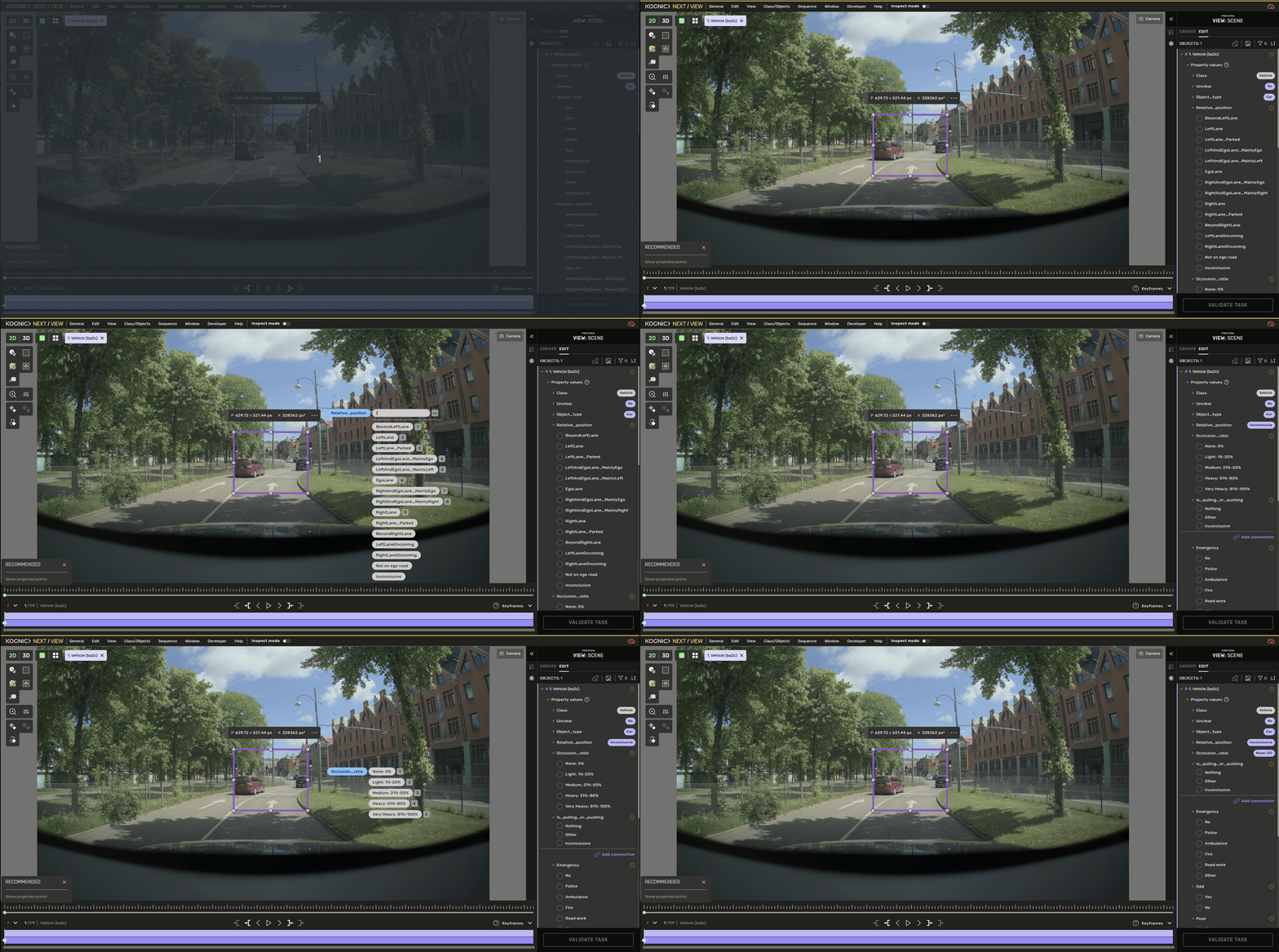
Quick-properties is a tool that lets you set properties with keyboard shortcuts, which may be more convenient.
You can activate quick-properties using keyboard shortcuts only; the default is Ctrl+Q. It can, of course, be configured to your preference in the The keybindings window .
When you activate quick properties, the current set of properties available to be set is listed in chips next to your cursor's location. You can either manually click through the options or select them using the 1-9 keys on your keyboard.
If there are more than 9 options, you will see a search bar where you can type the value you want to find. To focus on the search bar, simply press space and start typing; press enter to complete the search, and use 1-9 to select the value.
Link objects
For a property that links to another object, pick the Linked object chip. The menu closes, and the cursor changes to the connection cursor - click the object you want to link to, and the link appears under that property in the sidebar. Press Esc to cancel before you click.
Multi-selection
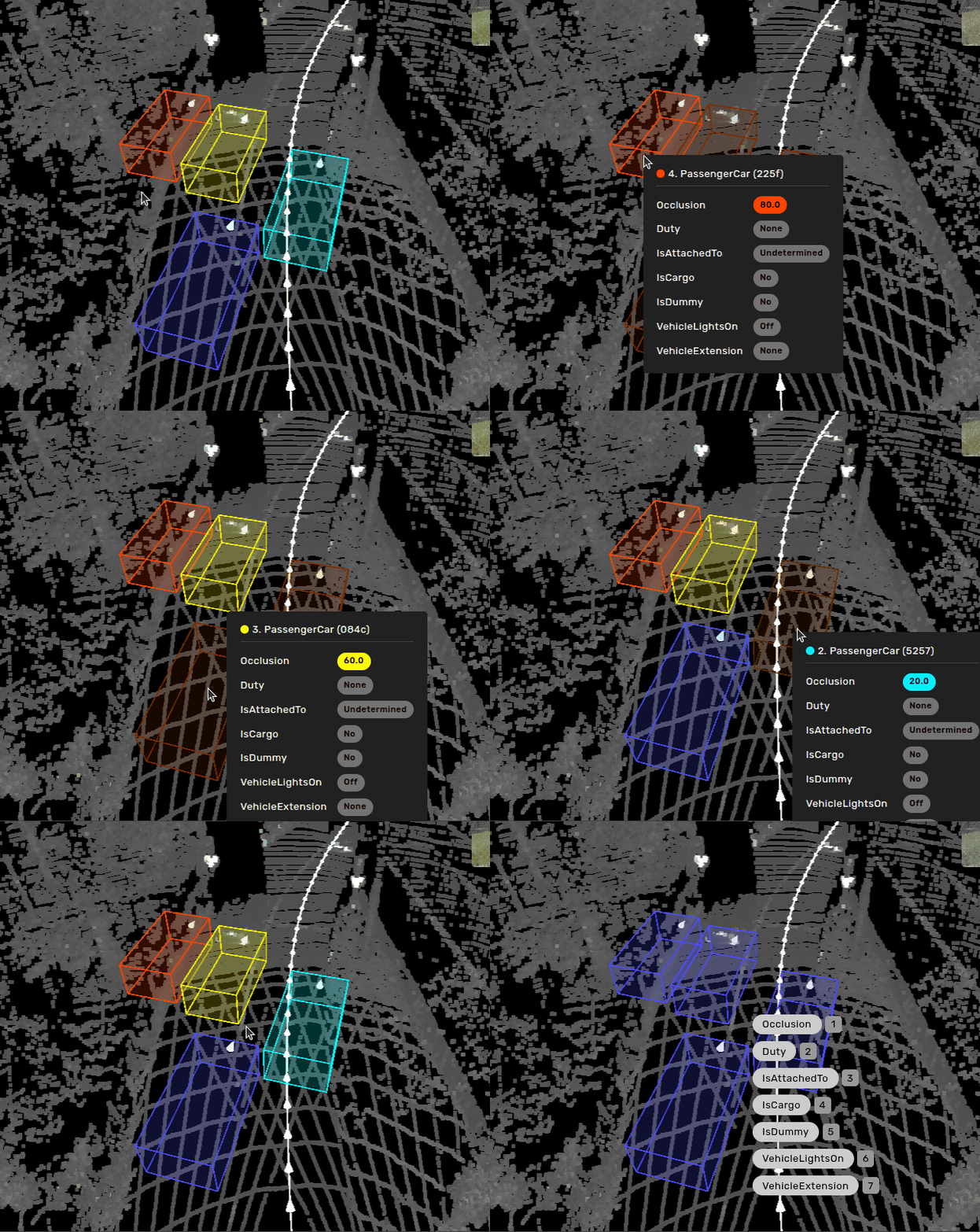
If you have made a Multi-selection of objects you are able to set properties on all of those objects at once using quick-properties.
Only the valid union of properties from the different objects will be enabled. If you have selected objects of different classes, only similar properties from the different objects will be possible to set. The rest will be disabled. The same goes for nested properties.
Linking works on a multi-selection too: the object you click is linked to every selected object in a single action, and a single undo reverts them all. Objects that already have the link, or that have reached the maximum number of links the property allows, keep what they have.
Text properties are not yet supported for multi-selection property updates.