Radial menu
3 min
The radial menu gives you quick access to common 3D view settings without leaving the canvas. Each outer segment is a setting; hover a segment to open its sub-menu of options.
Open the radial menu in the 3D view using the default shortcut o. Press o again, press Esc, or move the cursor away from the menu to close it.
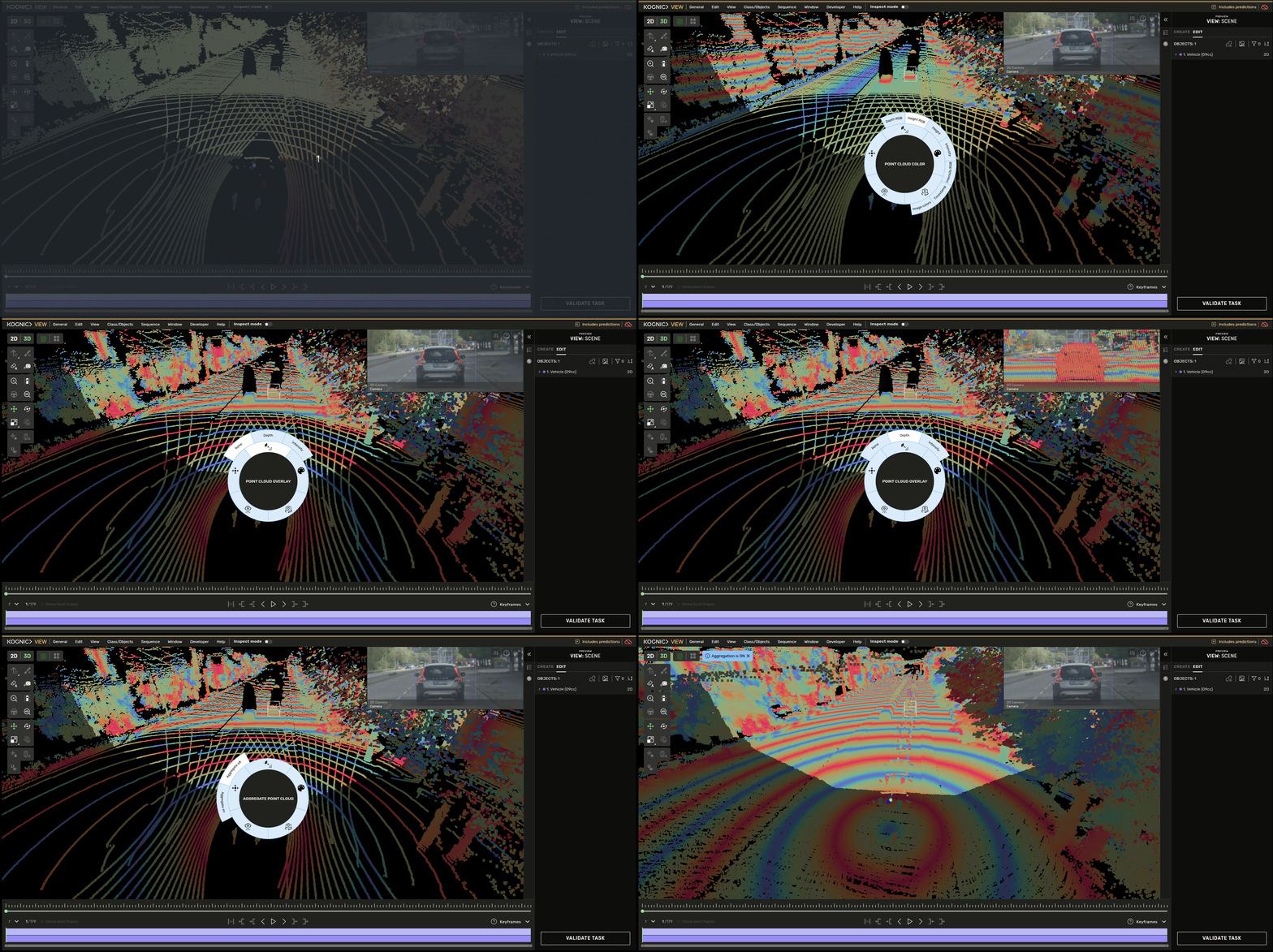
The radial menu
As you hover over an option in a sub-menu, it is applied immediately so you can preview the change. Clicking an option keeps it and closes the menu. If you move away without clicking, the setting reverts to what it was before.
The radial menu has five sub-menus. Some only appear when the task supports the underlying feature.