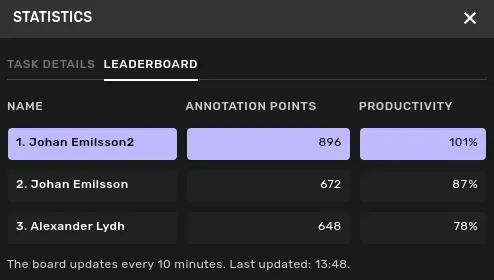
Productivity statistics
3 min
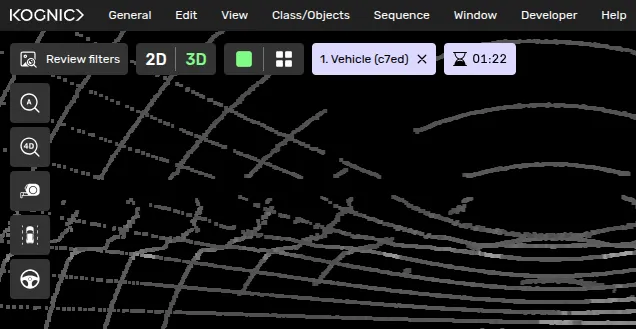
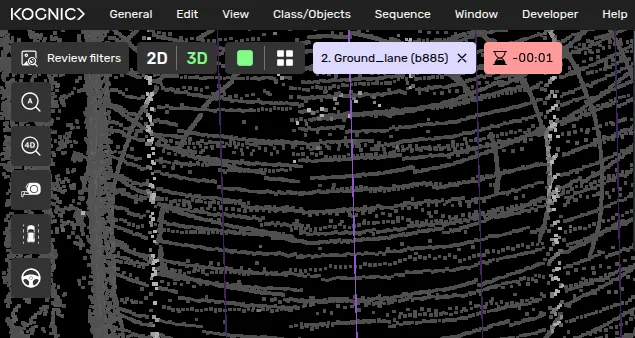
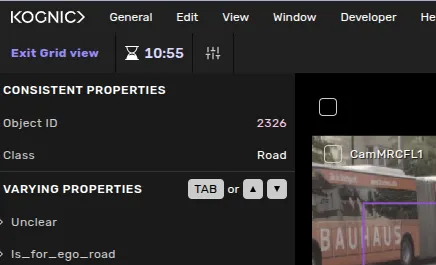
Statistics are available in the top bar to provide insights regarding production speed:
- Annotate Tasks: Displays the Annotation Points (AP) for the current task and your real-time performance against the target pace.
- Review Tasks: Displays the (Review) Time Budget, showing the allocated time to complete the review based on the task's complexity (Review 1 only).
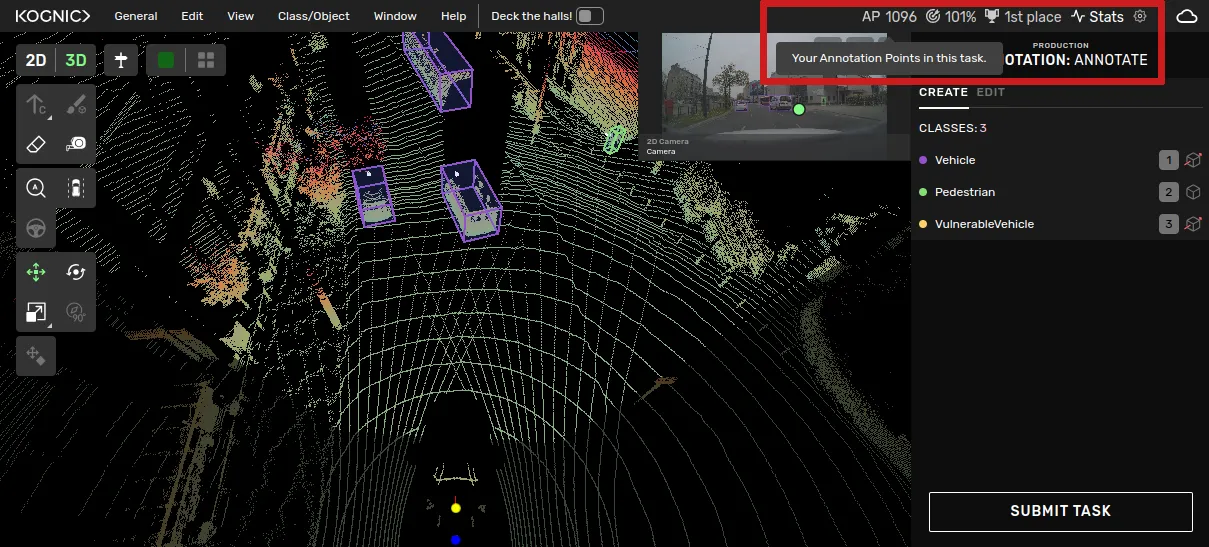
The task view with productivity statistics
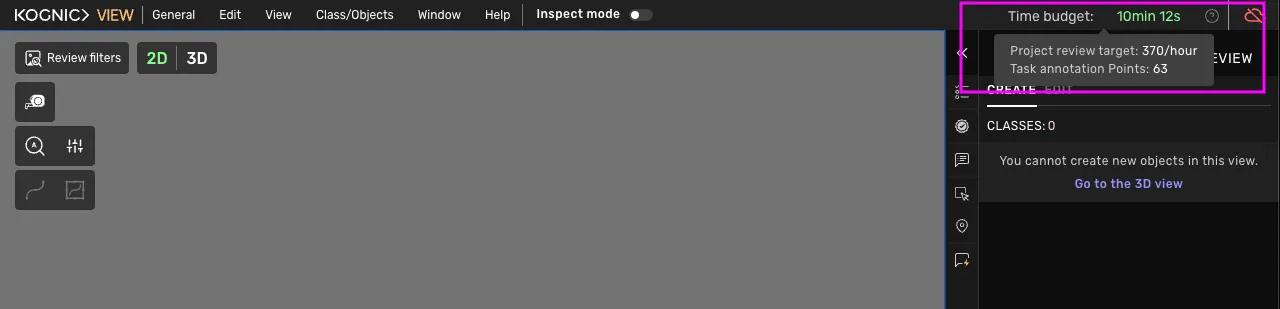
The following counters are provided:
- AP: The value of the annotations of task currently displayed in annotation points.
- Target:
- Annotators: Shows your current pace as a percentage. 100% or more means you are exceeding targets. less than 100% means you should try to increase the pace.
- Reviewers: Shows the specific time budget for the task (e.g., 10min 25s). This helps you balance thoroughness with efficiency.
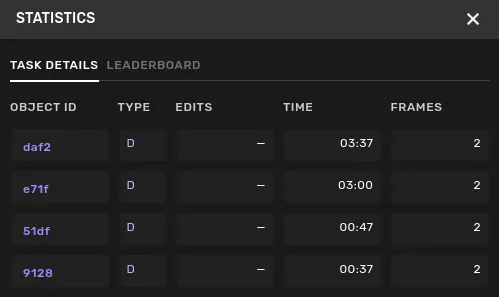
- Stats link: opens a window with additional information, including today's leader board and some more information about the objects in the current task.
See Annotation Points & Review ConfigurationRead for definitions.