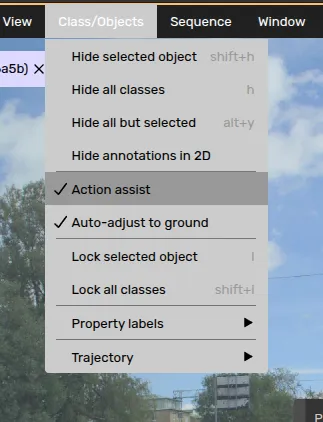
Action assist
3 min
Action Assist combines different platform features to recommend which actions to perform next. It also indicates which frame and where to step next to avoid unnecessary work.
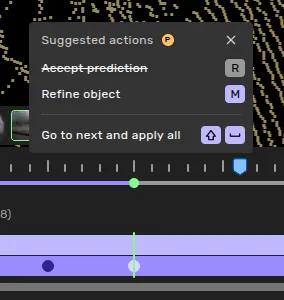
The action assist window and 'next frame' marker
Go to next and apply all
This is one of the key features for making you more productive.
It will step to the next recommended frame indicated by the blue marker, and pre-execute all actions instantly. If everything looks good, simply press shift+space again to continue stepping.
Enable action assist
Enable action assist in your top menu settings under Class/Objects -> Action Assist