Action assist: 3D lines
4 min
Action assist for 3D lines is currently available for beta testing. This feature is subject to frequent changes.
Action assist for 3D lines works both with and without prelabels. With prelabels, you are guided along the length of the selected prelabel. Without prelabels, you are sent forward in the same direction as the previous line segment.
First, select a line prelabel and a class. This will activate Action Assist. Then, choose the first suggested action to go to the start of the 3D line. Pressing shift+space will take you there, and you will enter BEV.

Action assist window

With predictions mode active

- Go to next point - This action will send the 3D camera forwards so that you can place a point at the next location without navigating manually. With the auto step it's used automatically, otherwise use Go to next and apply all can be used to quickly call this action.
- Auto step - With this setting enabled you will be sent forwards immediately after you place a new node. If you are working with prelabels you will be sent forwards after placing the first node. Without prelabels you must place two nodes.
- Dashed stepping - If you are annotating dashed lane markers, then enabling Dashed stepping will adapt the step length after the annotated length of lane markers and the space between each dash.

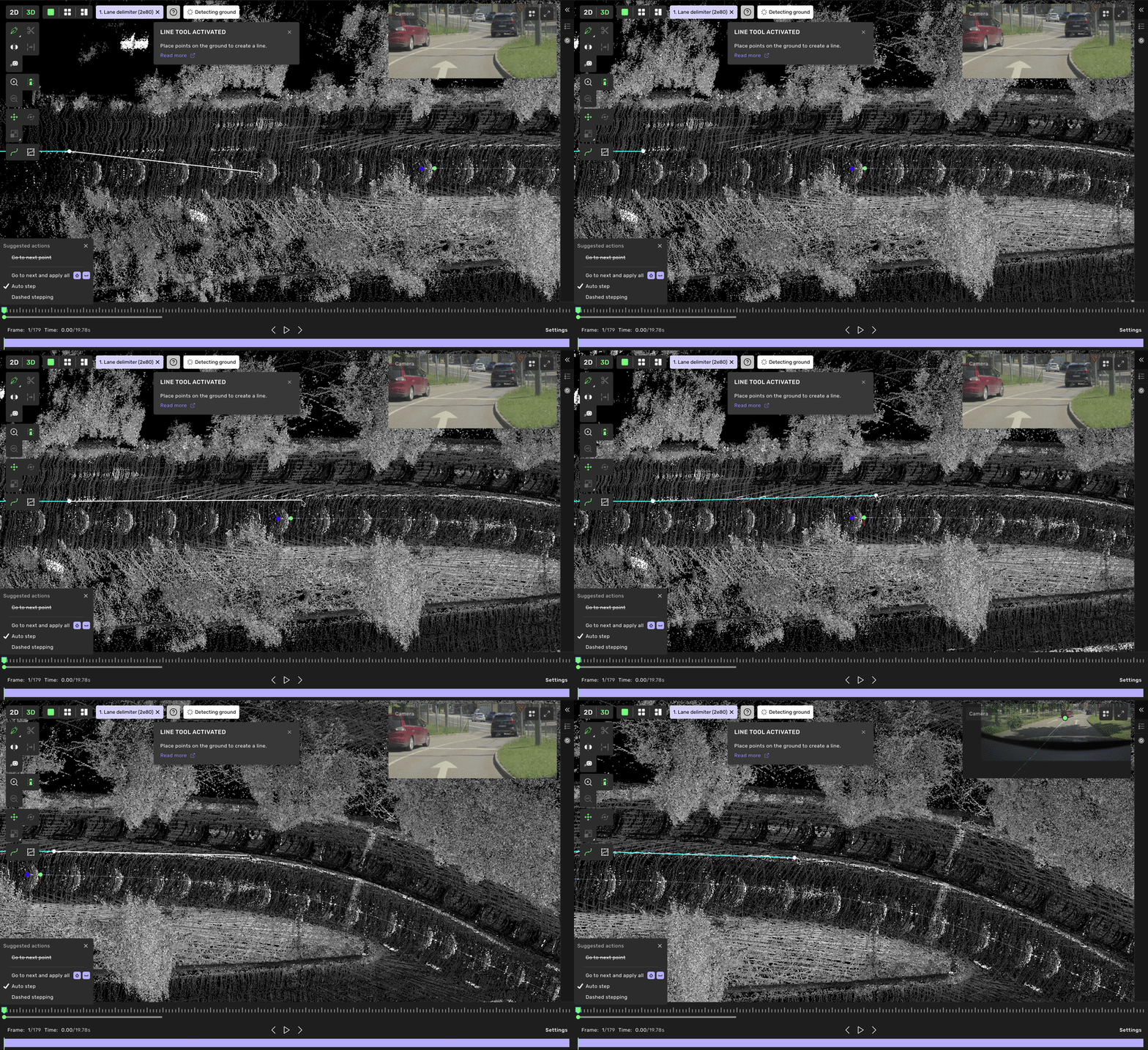
Action assist without prelabels
Related content
3D lines