2D parking spot
1 min
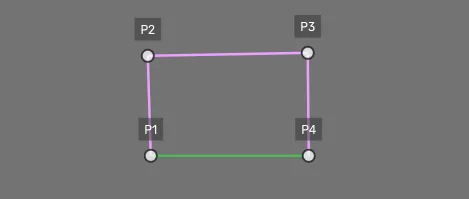
Point cluster shape
This geometry shape is drawn using the point cluster tool. It allows you to place a set amount of points, each with its properties.
The tool has a supporting instruction dialogue that includes a progress bar and what point you should place (e.g., points 1, 2, 3, or 4).
Drawing process
Select a class
Place the first point (this is required)
Place the other three points if possible. This depends on the visibility and guideline instructions.
The connecting lines should take a color to display the parking spot annotation

Placing points