2D polygon
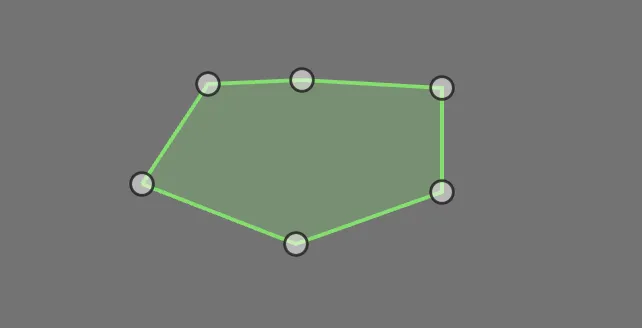
Drawing tool
This geometry shape is drawn using the pen tool. It allows you to place nodes or points in the image while being connected by a line.
A task will include polygons (instance segmentation) or multi-polygons (semantic segmentation). The drawing process is the same, but multi-polygons allow you to draw separate polygons while sharing object ID.
Drawing process
Select a class
Place a point at the edge of the object,
Continue placing points along the object.
Close the shape by connecting the first and last point.
If you are working with multi-polygons you will be able to continue drawing polygons. If the drawing tool is still active after closing a polygon, the selected class has the shape type "multi-polygon".

As you move the cursor over the image, a small tooltip follows, showing the classification name under the cursor and a border in that class's color.
