Trajectories
2 min
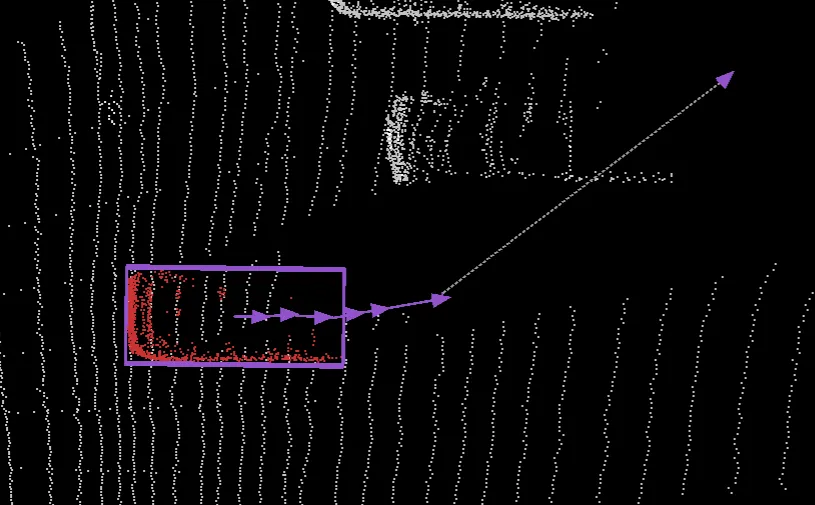
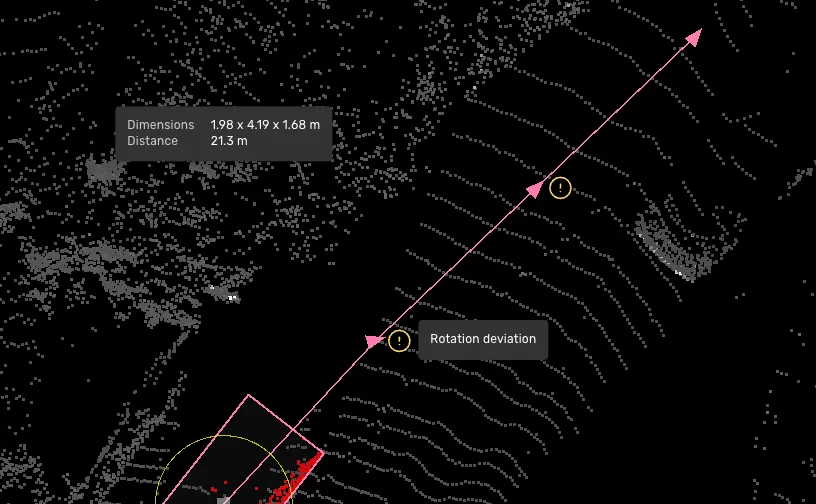
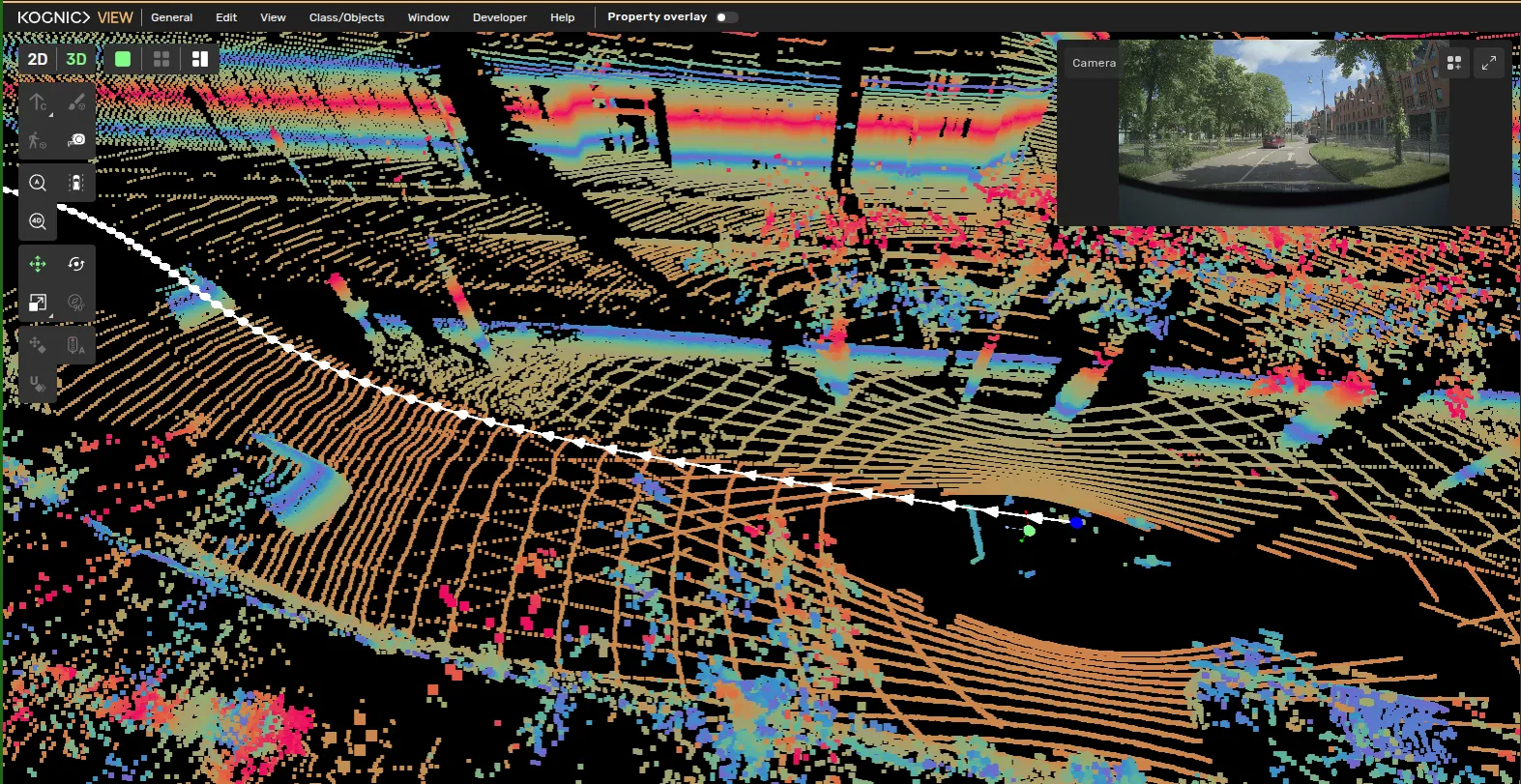
a trajectory shows how an object — or the ego vehicle — changes position along the sequence if trajectory points are closer than 0 5 m to one another, some of them are hidden to keep the trajectory clear the current frame's point appears once you step into it, even if it was not visible by default this is more common for static objects or objects that don't move much throughout a sequence (e g , pedestrians) object trajectory shows how the selected object changes position along the sequence turn it on via the top menu bar class/objects → trajectory , where you can choose keyframes , direction indicators , or both see class/objects docid\ vp9zp skcqayoawkzcxby trajectory line the colored and gray lines (with arrows) indicate the trajectory of the object the colored line represents when the object is visible the gray line represents when the object is not visible keyframes each point along the line represents a frame and the object's position in that frame click on a trajectory point to go to that point in time direction indicators the direction indicators option displays arrows along the object's trajectory to show its direction at specific points in time clicking an arrow navigates to that point in time rotation deviation a rotation deviation can indicate an unexpected change in the orientation of an object along its trajectory when rotation deviations are detected, a label is shown next to the point with the deviation click on the label to inspect the deviation ego vehicle trajectory shows how the ego vehicle changes position along the sequence turn it on via the top menu bar view → ego trajectory see view docid\ rcyt2xxqz1qdwykj8mmwu each point along the line represents a frame and the ego vehicle's position in that frame click on a trajectory point to go to that point in time