Simplify 3D line/ lanes
2 min
This feature simplifies a 3D line or lane by reducing the number of points while preserving its essential shape, using the Ramer-Douglas-Peucker algorithm. You can interactively preview the changes before applying them.
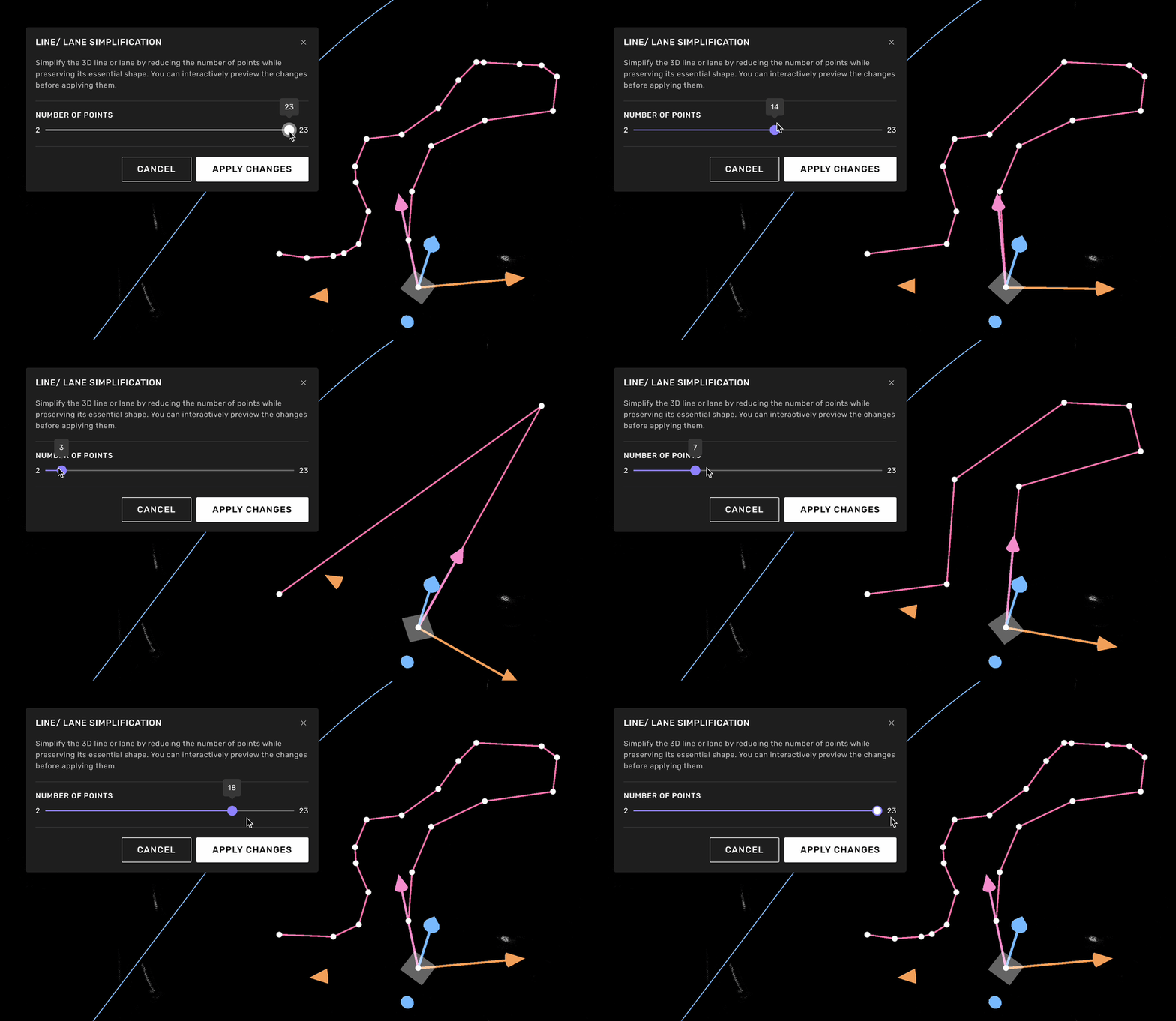
Line/ lane simplification window
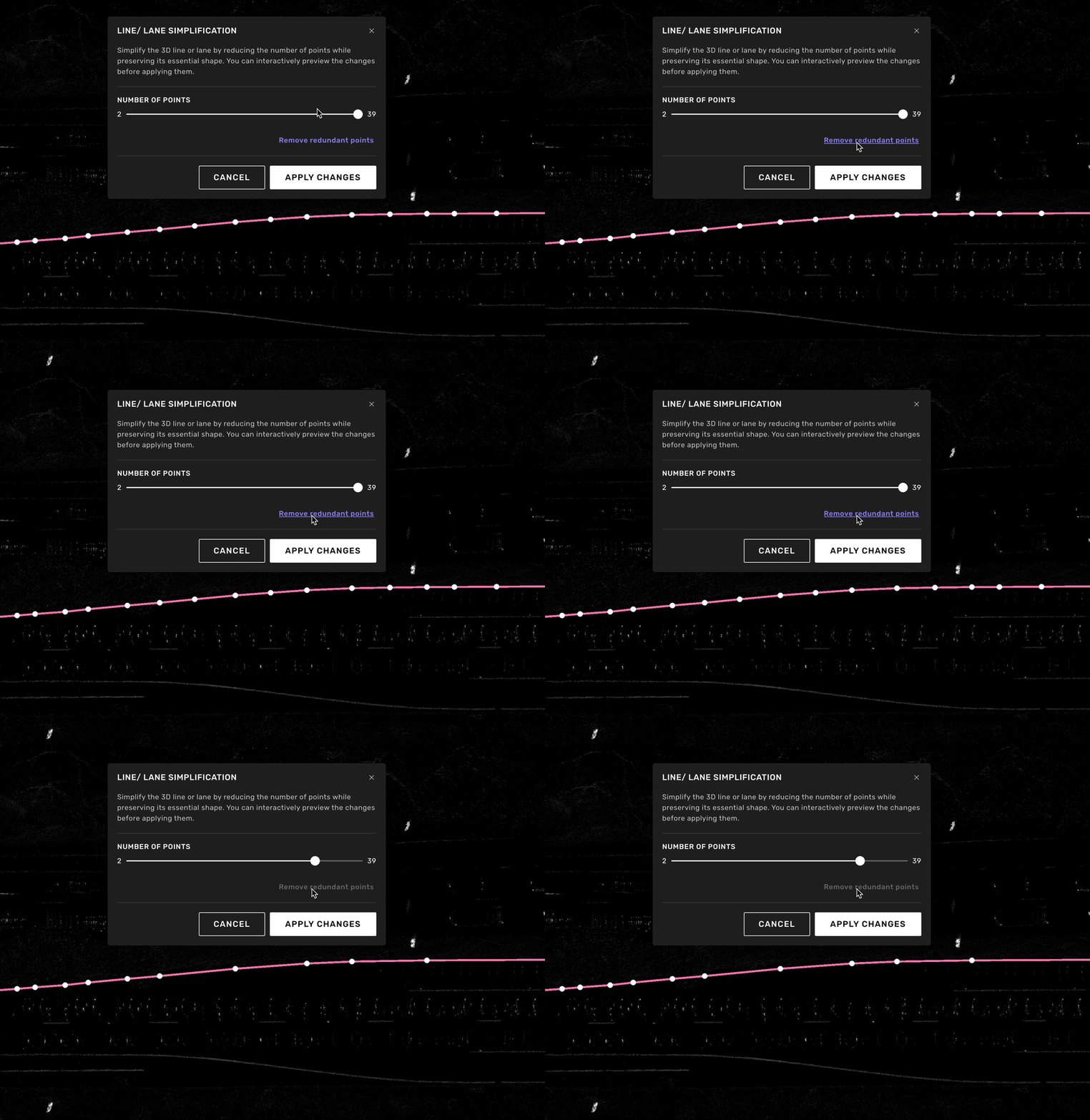
Click to remove redundant points
Edit process
Right-click on a 3D line or lane.
Select Simplify line from the context menu.
Use the slider to choose how many points you want in the simplified line, or click Remove redundant points to automatically remove unnecessary points.
The slider ranges from the minimum required points (2 for open lines, 3 for closed lines) to the original point count. A preview will show the result in real-time.
When you are satisfied with the preview, click apply to save the changes.
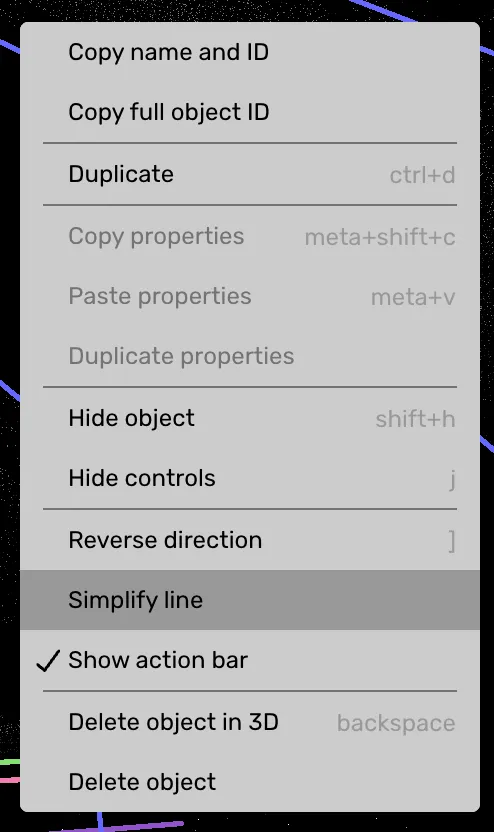
Context menu