Task validation
Some tasks have additional features activated to help eliminate errors. When these are available in a task, the user cannot submit the task without an approved validation.
We currently have a feature in beta testing that applies the validation continuously on every change rather than when the "Validate" button is clicked. We'll refer to this feature as live validation.
With live validation, objects with issues display a warning icon in the object list and a report card showing what to fix. See Card information .
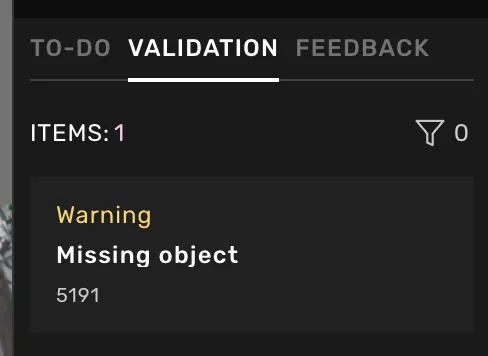
Validate the task by clicking the button at the bottom of the right-side menu (where the submit button is). If no errors remain, the submit button will replace the validation button, and you can submit the task. If live validation is available, the Validate button will not be available but the task still needs to be valid for the submit button to be available.
Read more about how to Validate task and the error or warning Card information.