Object feedback
You can connect a correction request or advice item to single or multiple objects in two ways.
With object selected
You can open the feedback form with the object/objects selected, and the object is automatically linked to the feedback item.
Without an object selected
Open the feedback form and click on "Select objects."
Select one or more objects in the main view or Edit tab.

Error type and commentary
Time (Required) You can select between the Current frame or the Entire sequence.
Sensor (Required) You can select between the Current sensor or all sensors.
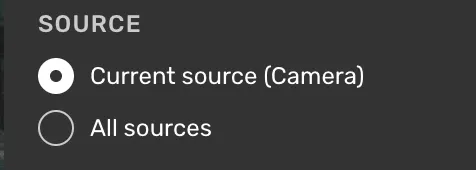
If you'd like to refer to specific frames or sensors, you can clarify that in the comment field.
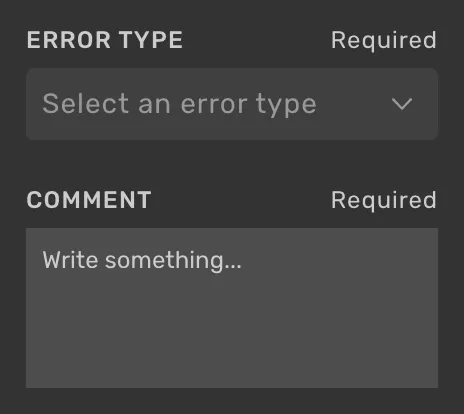
Error type (Required for correction requests, not available for Advice items) The available error types are specific to the project.
You will be asked to specify the correct answers when selecting error types related to incorrect classes or property values.
Comment A place to write feedback or clarifications when needed.
Feedback indicators
A badge floats next to an object in 2D and 3D to show its feedback status.
- A comment icon means the object has feedback, and the badge shows a count when there is more than one item.
- A pen icon means you are adding feedback to that object right now.

