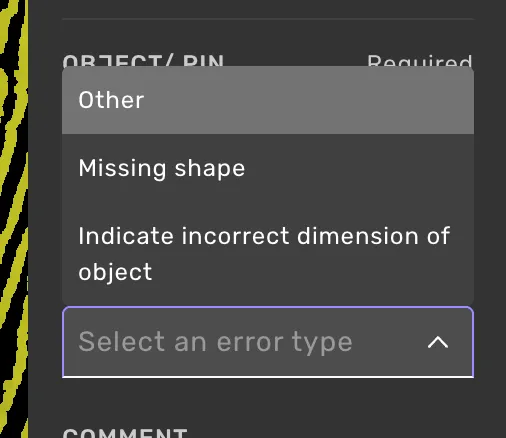
Combined location (pin) and object feedback
Anchor a feedback entry to both a specific object and a spot in the scene.
How it works
In the Add feedbackAdd feedback form, place a pinplace a pin and select an objectselect an object, in either order. The error-type picker shows the object error types, plus any error type that requires both a pin and an object. After submitting, the card shows both anchors, and Go to pin takes you to the pinned spot, while Go to object takes you to the object.
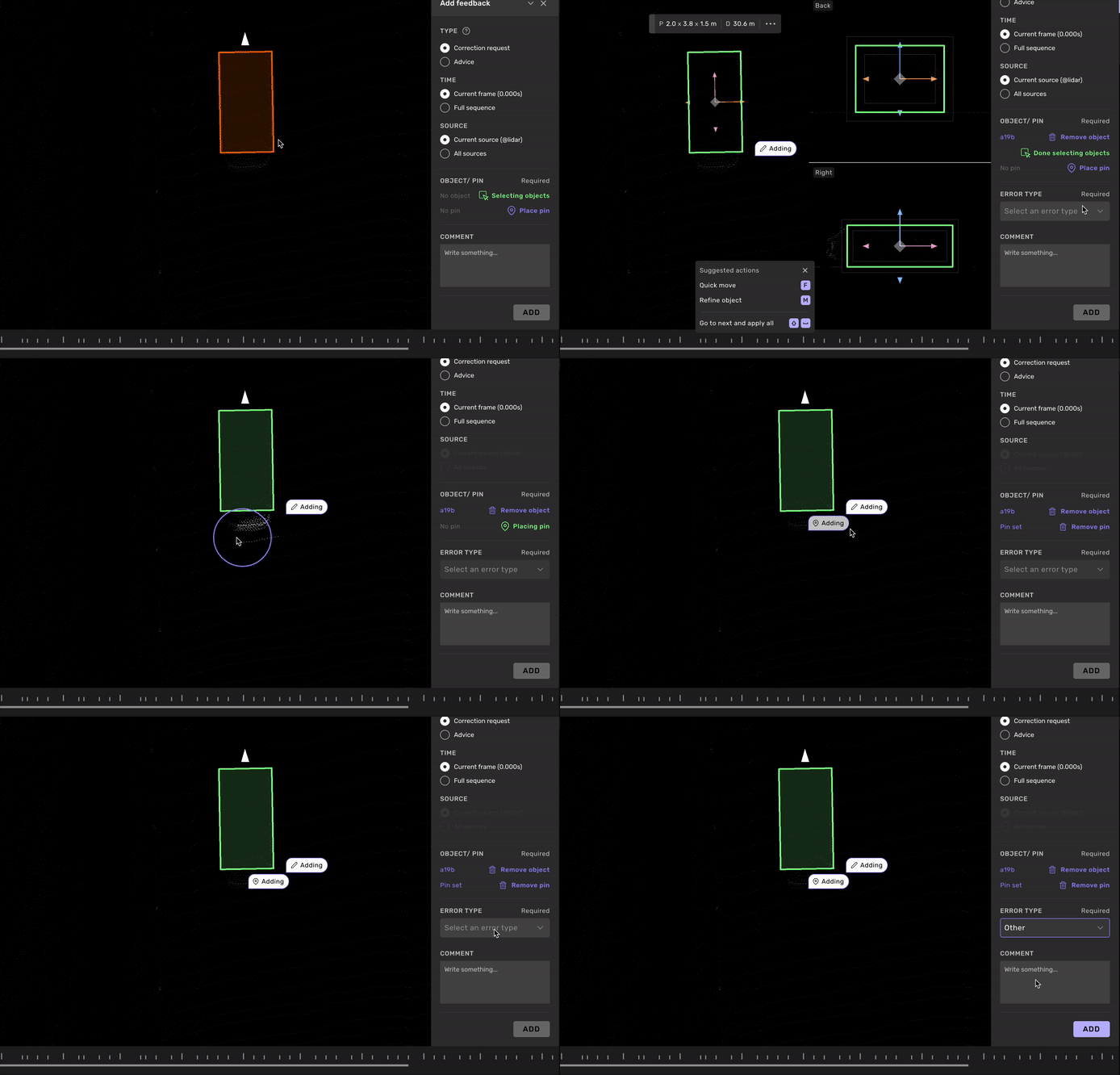
Automatic pin on 3D lines and lanes
On 3D lines and lanes in lidar you do not have to place the pin yourself. Click "Select objects" and click the line or lane, and a pin is placed where you clicked. If you select a node first and then open the Add feedback form, the pin is placed on that node.
This works for a single object only. Select a second object, and the pin is removed, leaving object feedback.
Combined-required error types
Some error types are configured to require both a pin and an object. They only appear in the picker once both anchors are set, and are not selectable in pin-only or object-only mode. Which error types are available — and whether any of them require both anchors — depends on the project or request configuration.