Location feedback (pins)
Using pins, you can tie a correction request or advice to a location in a sensor and frame.
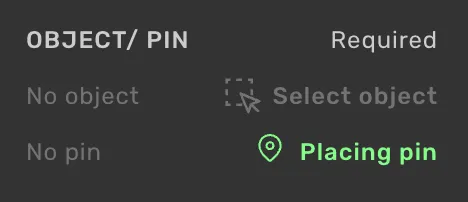
Open the feedback form and click on the button "Place pin."
Click where you want to place the pin.
In 3D, highlighting points in the point cloud will guide you to where the feedback pin should be placed.
Pins on 3D lines and lanes
When the feedback is about a 3D line or lane, you do not have to place the pin. Select the object from the Add feedback form, and a pin is placed where you clicked, or on the node you had selected before opening the form.
See Combined location (pin) and object feedbackCombined location (pin) and object feedback.
Auto-generated information
Time Current frame.
Sensor Current sensor.
If you'd like to refer to specific frames or sensors, you can clarify that in the comment field.
Additional options
Error type (Required for correction requests, not available on Advice items) The available error types are specific to the project. These are selected in a drop-down.
Comment A place to write feedback or clarifications when needed.