Workspaces
Workspaces allow organisations to group data and control access to it. It can be thought of as a container for data (e.g. uploaded scenes and datasets) and annotation projects. Additionally, workspaces enable organisations to invite other organisations as collaborators, to work together on a specific set of projects.
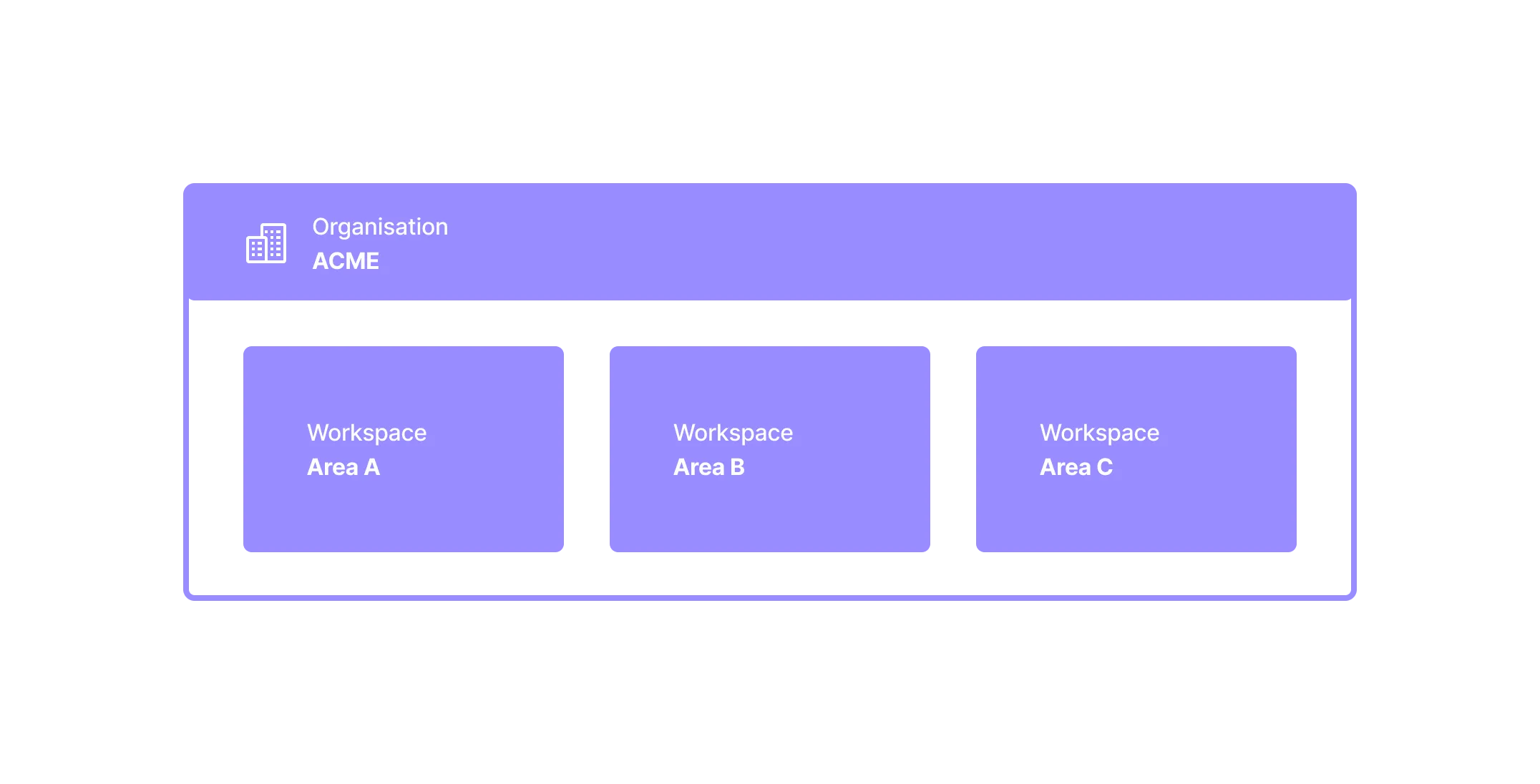
By default, your organisation will only have one workspace. However, you might want to create another workspace if your organisation needs to partition data into different parts due to access requirements, e.g. internal NDAs.
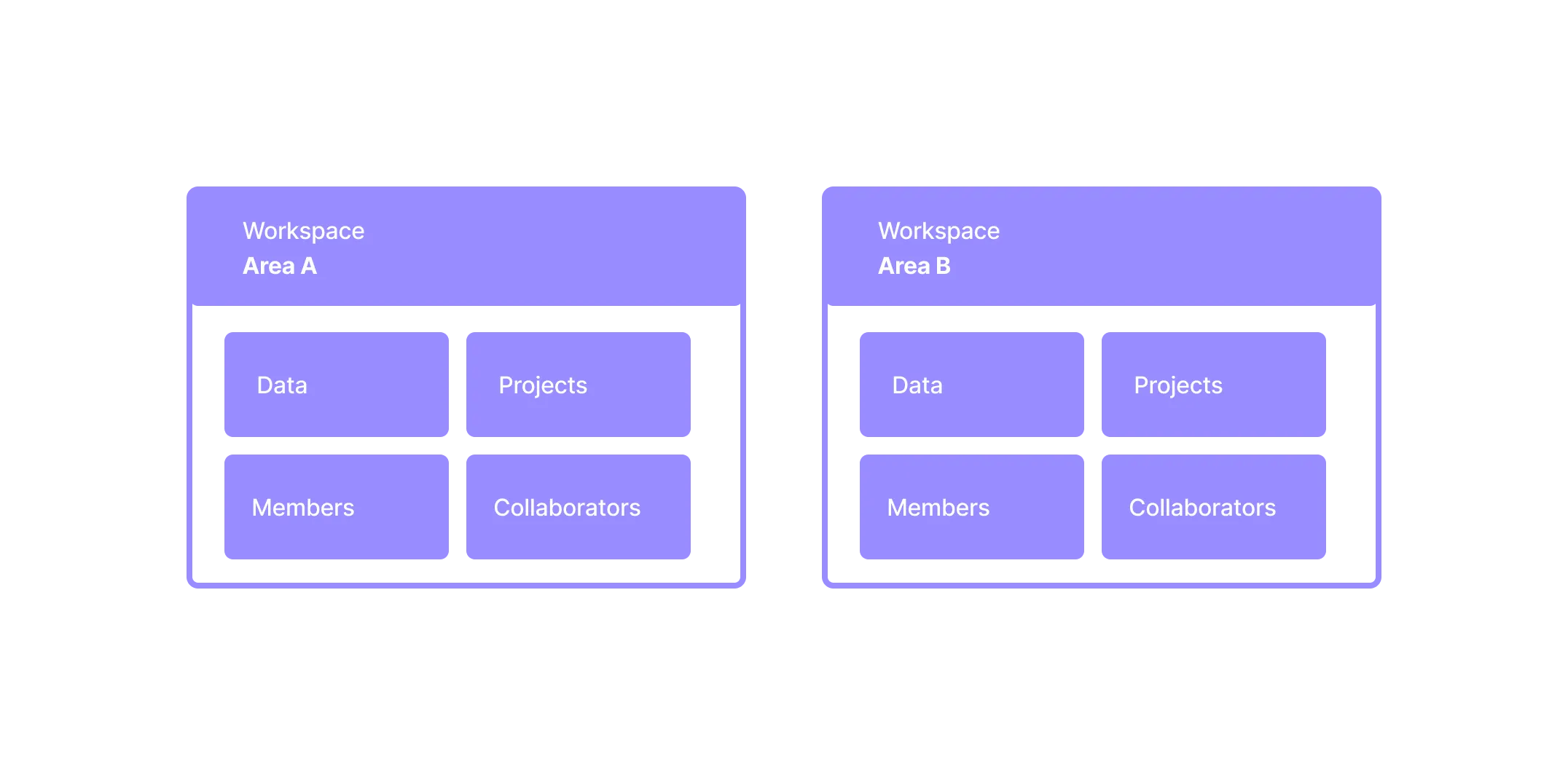
Switching workspaces
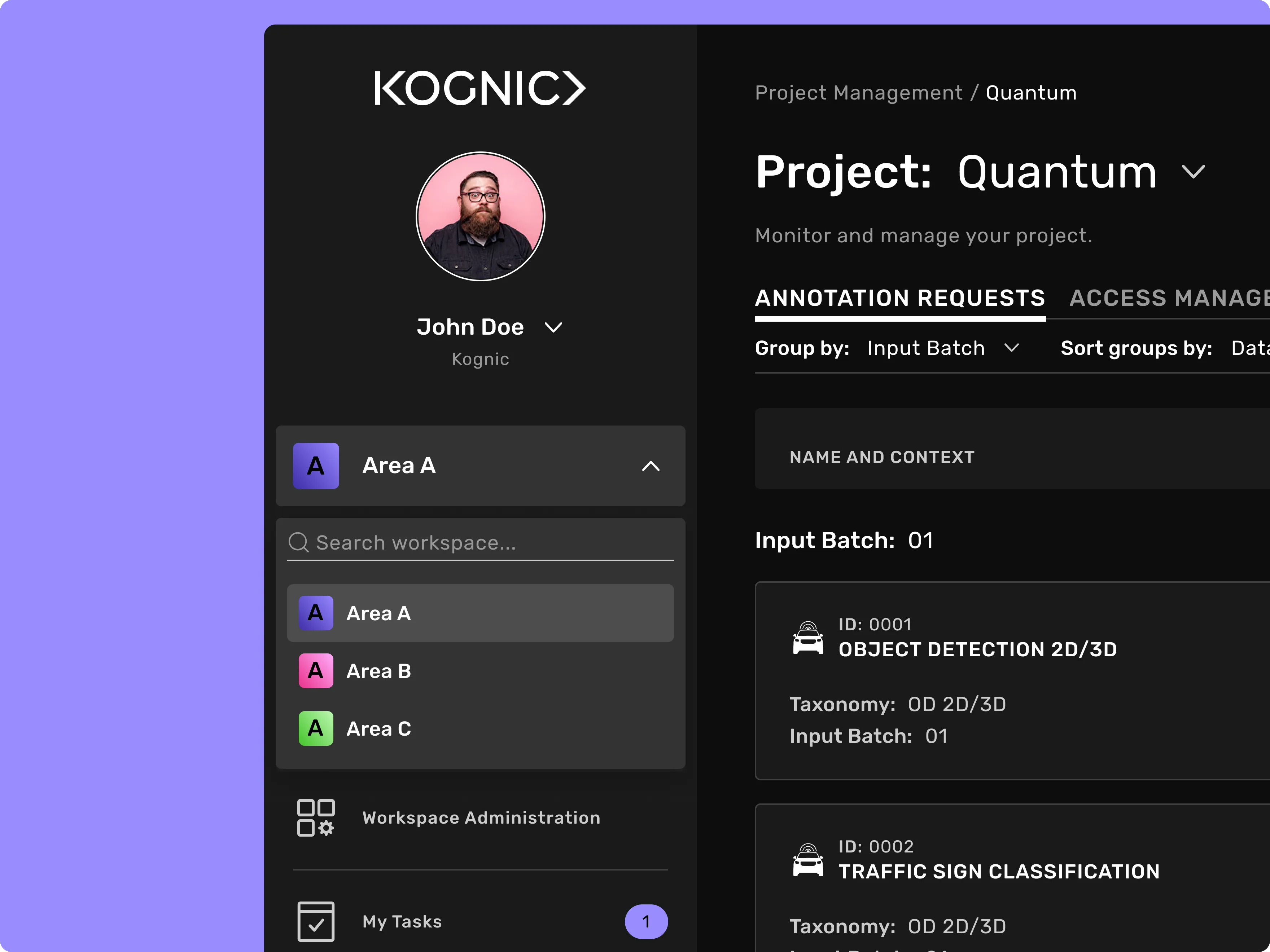
If you have access to multiple workspaces you can switch to another by clicking on the workspace selector in the left menu and selecting a workspace in the list. The list displays your organisation's workspaces as well as any other workspaces you are a member of.
The workspace selector is available to users with the workspace role Annotation manager, Project manager, Developer or Admin.
Create a new workspace
This action is available to users that are Admin in their organization.
To create a new workspace, open the workspace selector in the left menu and click "+Create new workspace". Give the workspace a name and specify an external ID for it. When you are done, click "Create".
Please note that data (sensor recordings, annotations and pre-annotations), annotations projects, instructions and datasets can't be moved from one workspace to another.