Pre-annotations
In the pre-annotations page, users can view and manage all scenes that have been uploaded to the workspace.
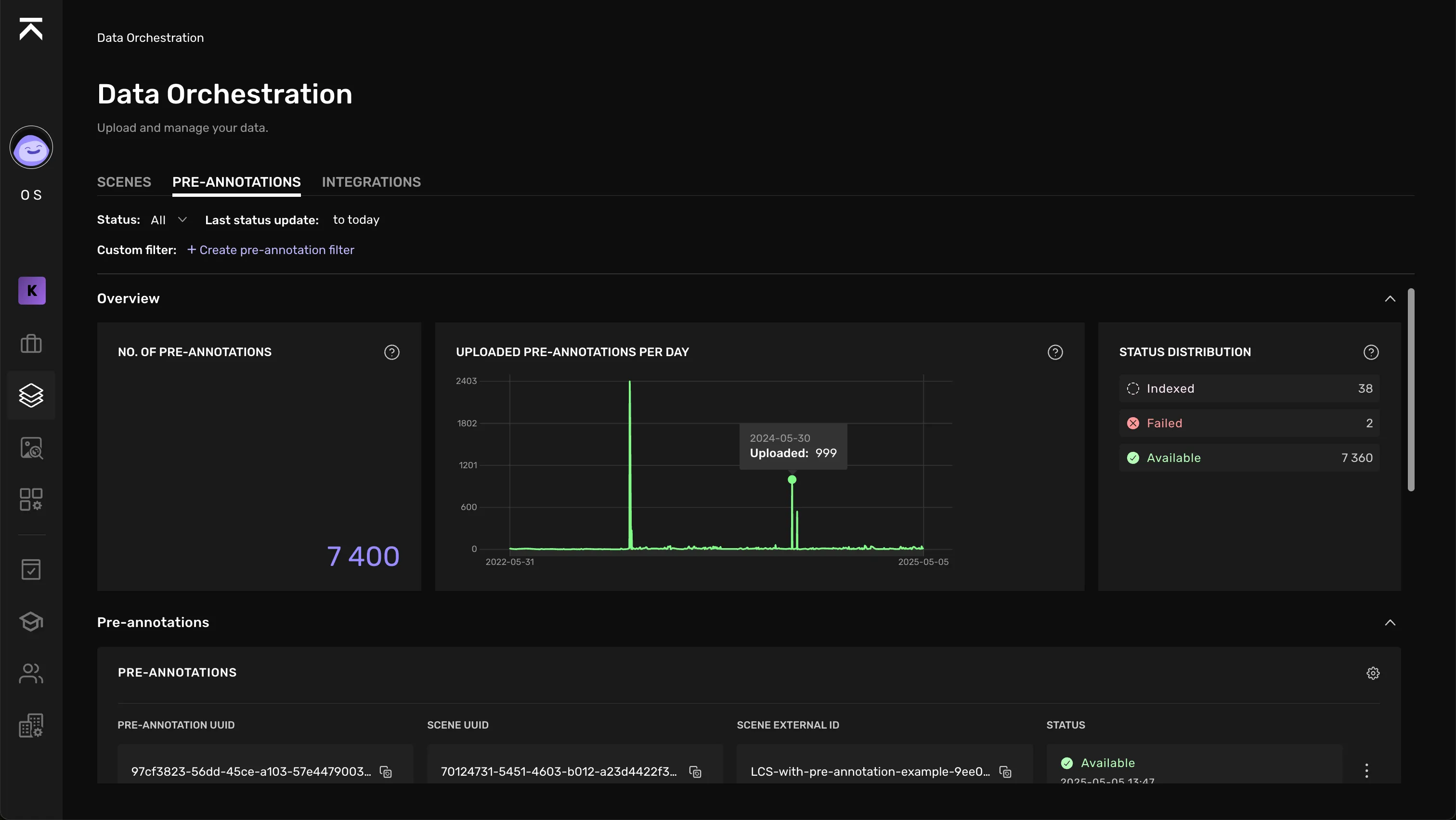
View pre-annotations
The Overview section provides an aggregated view of the amount of pre-annotations in the workspace, the number of available pre-annotations per day, as well as status distribution.
In the pre-annotations table below, pre-annotations are listed with the following columns:
- Pre-annotation UUID
- Pre-annotation External ID
- Scene External ID (The scene that the pre-annotation is connected to)
- Pre-annotation status
- External source
It is possible to filter the results on this page by:
- Pre-annotation status
- Last status update
Make indexed pre-annotations available
If you have a data integration against your cloud bucket and use that to index pre-annotation data, these pre-annotations are listed with the status "indexed".
Indexed pre-annotations can be imported, or made available, by following these steps:
Find the indexed pre-annotation(s) you want to import and select them in the table.
Click "Make available".
Update the page to see the latest status of the import jobs.